

What’s New in PaintShop Pro
In this series of tutorials, we’ll take a look at what’s new in recent versions of PaintShop Pro. Learn how to use the new Focus Stacking feature to combine multiple images of the same scene, taken at different focus distances, to create a final image with a greater depth of field. Take advantage of the new AfterShot Lab built right into PaintShop Pro for RAW image editing, and see how the enhanced Frame tool makes it quick and easy to create digital layouts and composite images. Plus explore the time-saving AI-based solutions and many other new features and enhancements that have been added to PaintShop Pro in the last few releases.
What’s new in PaintShop Pro
See what’s new in PaintShop Pro 2023, including Focus Stacking, an enhanced Frame tool, AfterShot Lab for RAW editing, and much more.
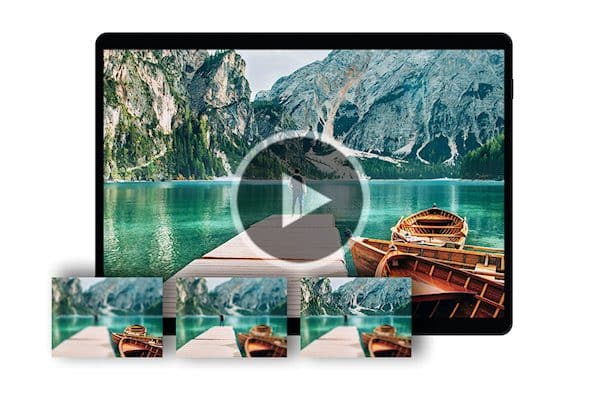
How to use Focus Stacking
Learn how to use Focus Stacking to blend multiple images of the same scene, taken at different focus distances, to create a crisp and clear image.
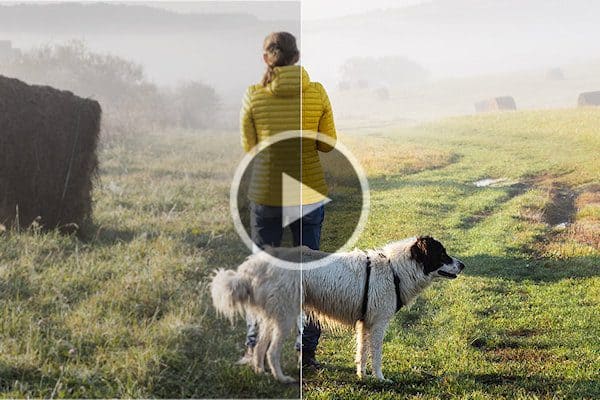
Introduction to AfterShot Lab
In this tutorial, we’ll review the interface and tools within AfterShot Lab, the RAW image editing application built into PaintShop Pro 2023.
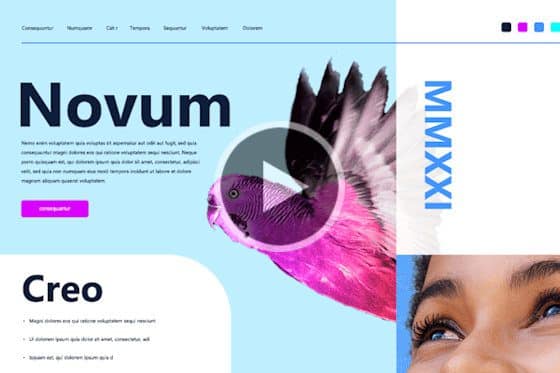
How to use the Frame tool
See how to use PaintShop Pro’s Frame tool to quickly and easily create digital layouts and add your images to a variety of shape or text frames.
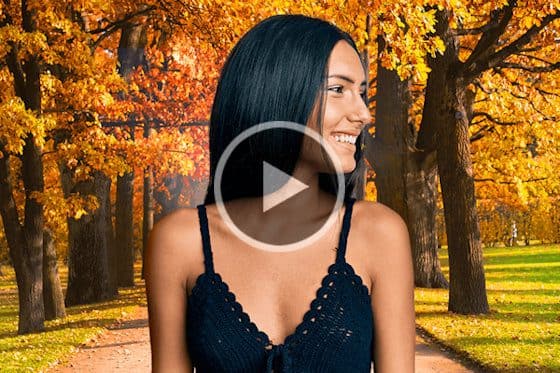
Instant background replacement
The AI Background Replacement feature in PaintShop Pro automatically detects and masks people in a photo so you can seamlessly replace the background.

AI Portrait Mode
Learn how to create professional-looking portraits with PaintShop Pro’s AI Portrait Mode feature that automatically applies a blur effect to the background.
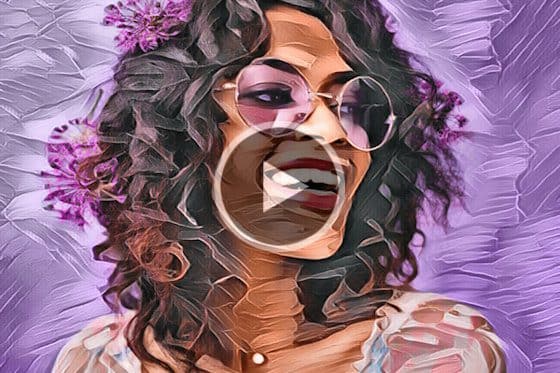
Enhanced AI Style Transfer
With PaintShop Pro’s AI Style Transfer, you can instantly turn your photos into works of art with dozens of presets that replicate famous artistic styles.
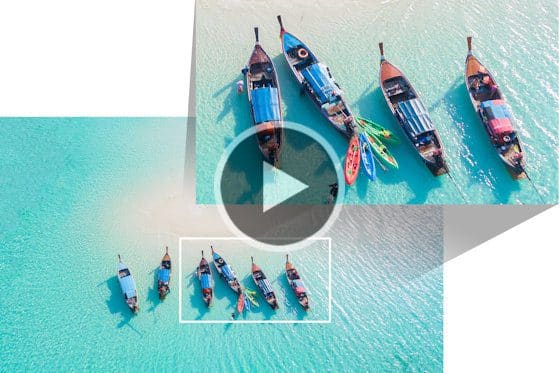
Enlarging photos with AI Upsampling
See how you can dramatically enlarge any photo without compromising resolution or visual quality, using PaintShop Pro’s AI upsampling feature.
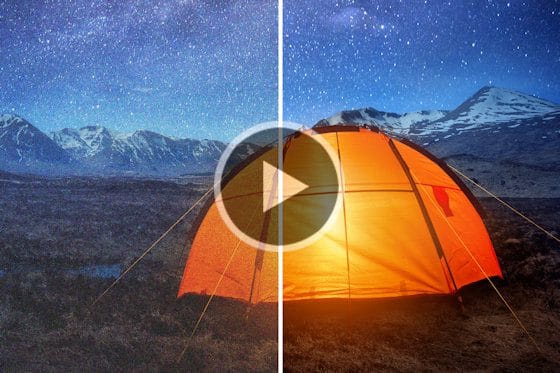
Removing noise from photos with AI Denoise
Removing noise from photos just got easier, with PaintShop Pro’s AI Denoise feature. See how to get crisp and clear images with just one click.
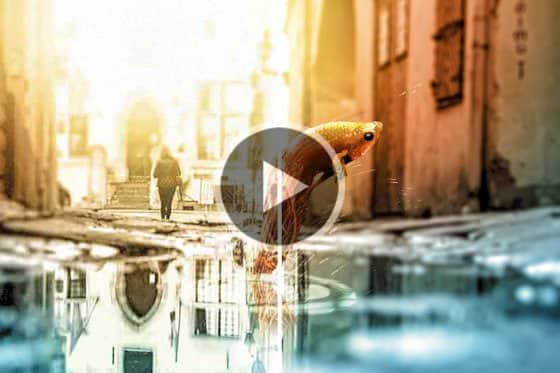
Removing JPEG artifacts from photos
Easily remove JPEG artifacts and restore the fine details and original colors in your photos with PaintShop Pro’s AI-powered artifact removal feature.
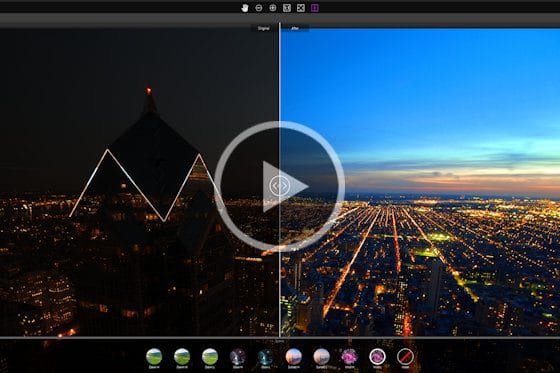
Exploring PaintShop Pro’s Sea-to-Sky workspace
Explore PaintShop Pro’s Sea-to-Sky workspace that has a custom set of tools designed for drone and underwater photography.
Featured products
 PaintShop Pro 2023 Ultimate
Create something incredible with the pro-level editing and design tools plus a bonus pack of premium software in PaintShop Pro 2023 Ultimate.
 AI HDR Studio 3.0
Create stunning HDR images with the extensive collection of photo editing presets in this AI-driven plugin for PaintShop Pro.
 PaintShop Pro 2023
Make every shot your best shot with PaintShop Pro 2023, the pro-level photo editing and design software made simple and affordable.
 Vision FX 2.0
Transform your photos into imaginative art pieces with the Vision FX AI Art Generator plugin for PaintShop Pro.