

What’s New in PaintShop Pro
In this series of tutorials, we’ll take a look at what’s new in recent versions of PaintShop Pro. Learn how to use the new Focus Stacking feature to combine multiple images of the same scene, taken at different focus distances, to create a final image with a greater depth of field. Take advantage of the new AfterShot Lab built right into PaintShop Pro for RAW image editing, and see how the enhanced Frame tool makes it quick and easy to create digital layouts and composite images. Plus explore the time-saving AI-based solutions and many other new features and enhancements that have been added to PaintShop Pro in the last few releases.

What’s new in PaintShop Pro
See what’s new in PaintShop Pro 2023, including Focus Stacking, an enhanced Frame tool, AfterShot Lab for RAW editing, and much more.
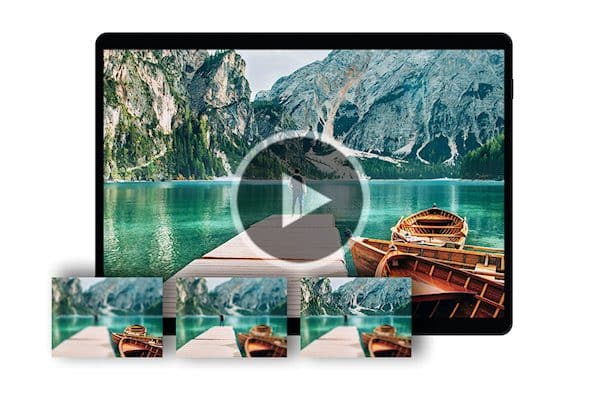
How to use Focus Stacking
Learn how to use Focus Stacking to blend multiple images of the same scene, taken at different focus distances, to create a crisp and clear image.
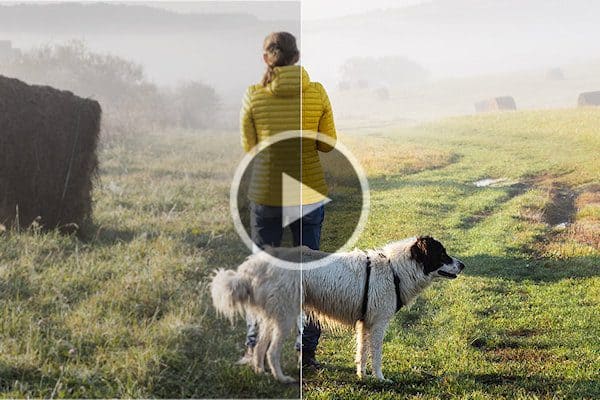
Introduction to AfterShot Lab
In this tutorial, we’ll review the interface and tools within AfterShot Lab, the RAW image editing application built into PaintShop Pro 2023.
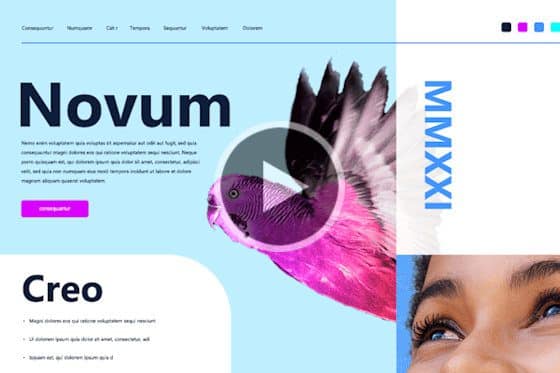
How to use the Frame tool
See how to use PaintShop Pro’s Frame tool to quickly and easily create digital layouts and add your images to a variety of shape or text frames.
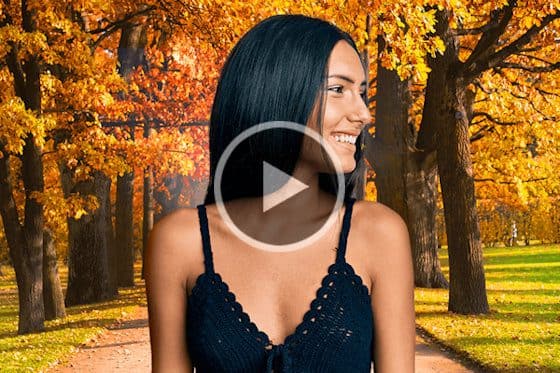
Instant background replacement
The AI Background Replacement feature in PaintShop Pro automatically detects and masks people in a photo so you can seamlessly replace the background.

AI Portrait Mode
Learn how to create professional-looking portraits with PaintShop Pro’s AI Portrait Mode feature that automatically applies a blur effect to the background.
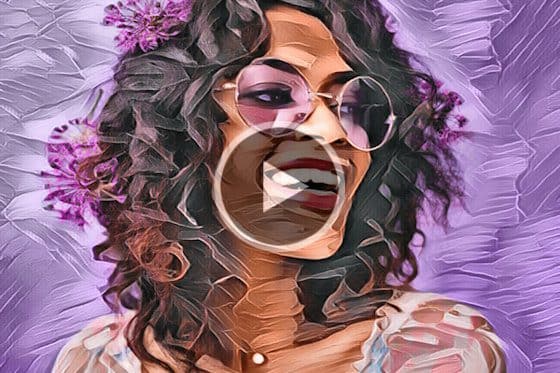
Enhanced AI Style Transfer
With PaintShop Pro’s AI Style Transfer, you can instantly turn your photos into works of art with dozens of presets that replicate famous artistic styles.
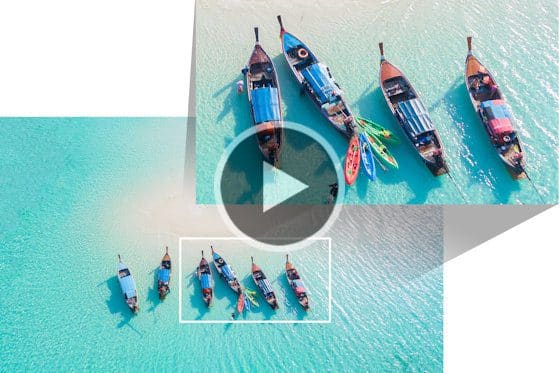
Enlarging photos with AI Upsampling
See how you can dramatically enlarge any photo without compromising resolution or visual quality, using PaintShop Pro’s AI upsampling feature.
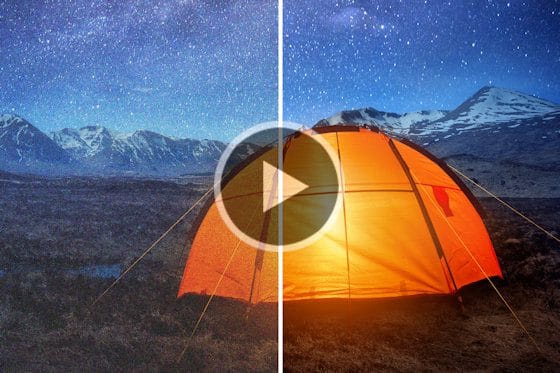
Removing noise from photos with AI Denoise
Removing noise from photos just got easier, with PaintShop Pro’s AI Denoise feature. See how to get crisp and clear images with just one click.
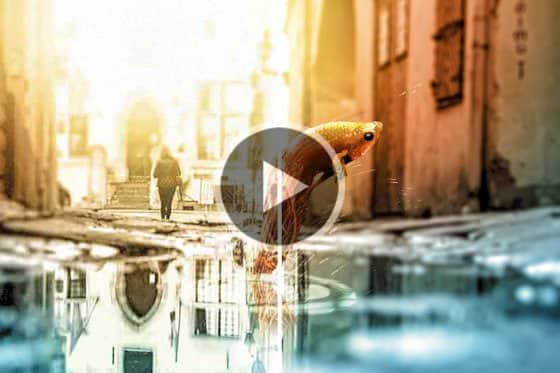
Removing JPEG artifacts from photos
Easily remove JPEG artifacts and restore the fine details and original colors in your photos with PaintShop Pro’s AI-powered artifact removal feature.
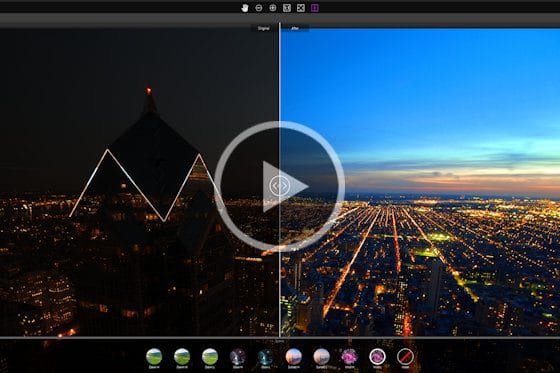
Exploring PaintShop Pro’s Sea-to-Sky workspace
Explore PaintShop Pro’s Sea-to-Sky workspace that has a custom set of tools designed for drone and underwater photography.
Getting Started with PaintShop Pro
Getting started in PaintShop Pro
Get started on your photo editing journey with this short overview tutorial that will introduce you to the PaintShop Pro interface and most-used tools.
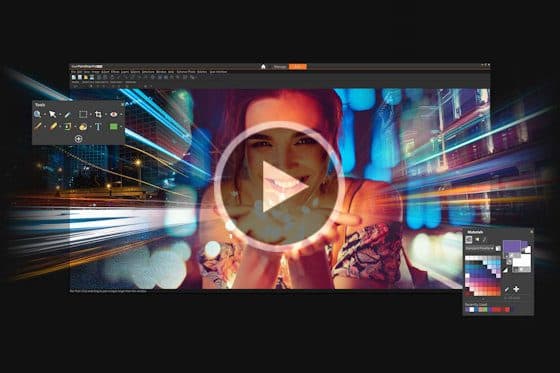
Overview of PaintShop Pro workspaces
Wondering which PaintShop Pro workspace to use? Learn about the different workspaces and which one will best suit your skill level and workflow.
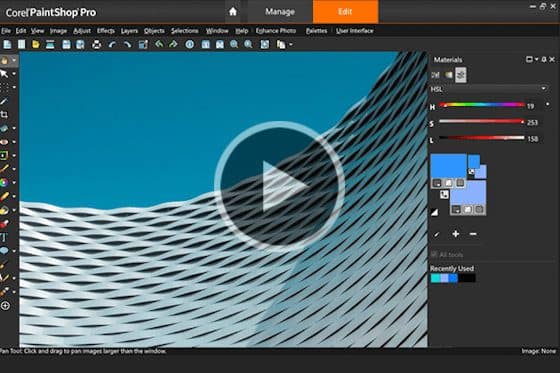
The Complete workspace in PaintShop Pro
Get a tour of the Complete workspace in PaintShop Pro, where you can access the full range of professional tools photo editing, designing and organizing.
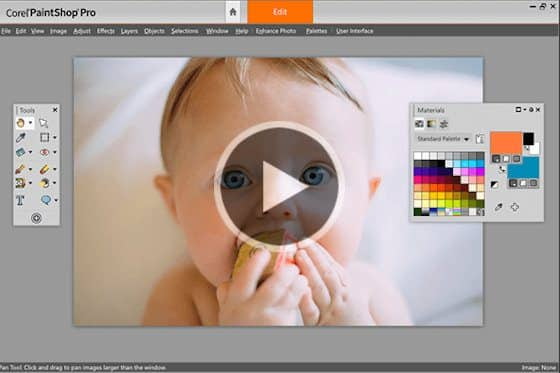
The Essentials workspace in PaintShop Pro
Get a tour of the Essentials workspace in PaintShop Pro, which includes all the main photo editing tools and features, organized in a simple interface.
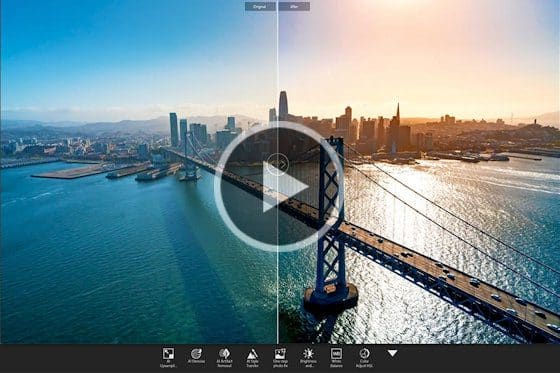
The Photography workspace
Take a tour of the enhanced Photography workspace in PaintShop Pro. The simplified interface makes one-click solutions and quick photo edits a breeze.
Exploring PaintShop Pro’s Sea-to-Sky workspace
Explore PaintShop Pro’s Sea-to-Sky workspace that has a custom set of tools designed for drone and underwater photography.
Opening and importing photos
This tutorial covers the various ways to open common image formats like JPG and PNG and import files from a camera or scanner into PaintShop Pro.
How to straighten a photo
Learning how to straighten a photo is a key step in photo editing. You can easily correct your crooked photos with PaintShop Pro’s Straighten tool.
How to crop photos
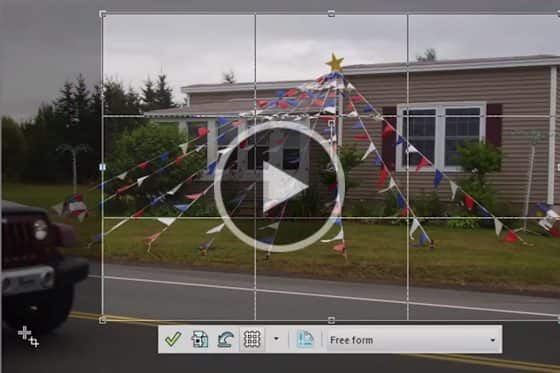
PaintShop Professional Carole Asselin shows you the different ways you can crop your photos to remove unwanted elements or improve your composition.
How to resize images
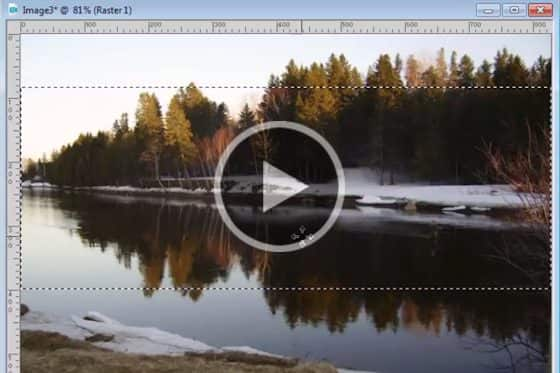
See how you can resize images using different techniques in PaintShop Pro, to fit specific dimensions or a specific area like a photo frame.
Correcting perspective distortion
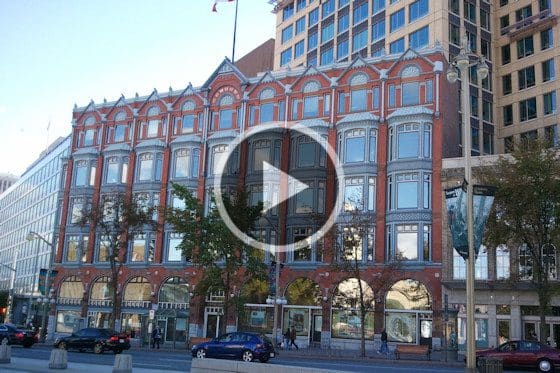
If your photos of buildings are looking crooked or skewed, you can fix this quickly and easily using the Perspective Correction tool in PaintShop Pro.
How to flip, mirror and rotate photos
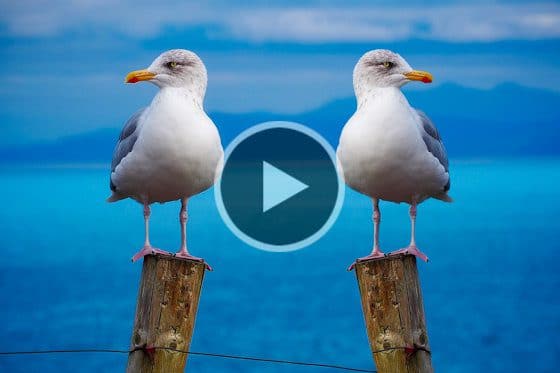
Learn how to rotate photos that were taken on an angle, and how to flip or mirror entire images or selected objects in PaintShop Pro.
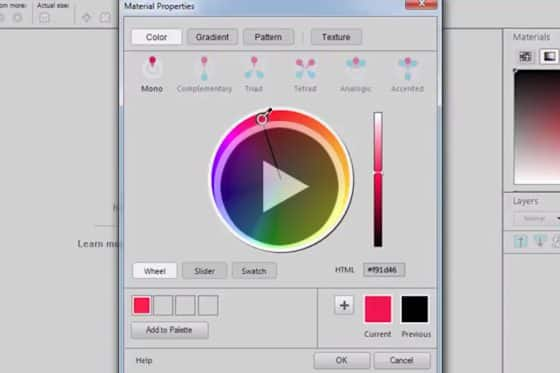
Selecting colors in the Material Properties window
Learn how to use the Material Properties window to access a wide array of color palettes, complementary color schemes, gradients, patterns and textures.
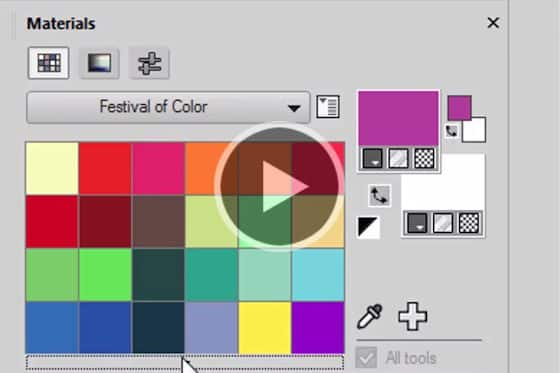
How to use the Materials palette
Get a guided tour of PaintShop Pro’s Materials palette, and learn how to select colors, patterns and textures, and create custom color palettes.
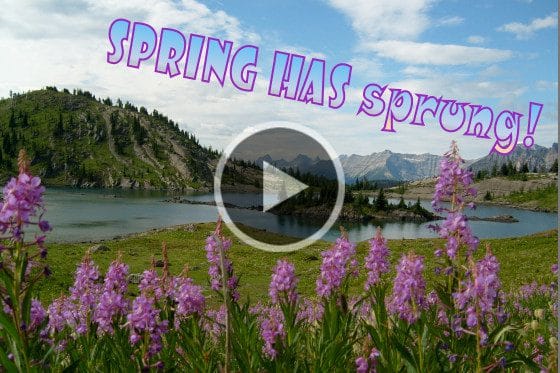
How to add text to photos
Learn how to add text to your PaintShop Pro projects, from simple captions to colorful word art filled with textures, gradients, patterns or even other images.
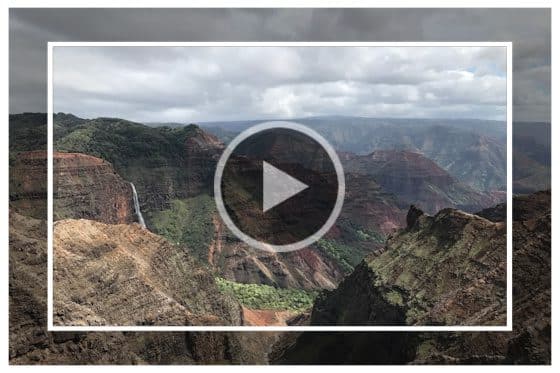
Adding picture frames to your photos
PaintShop Pro comes with lots of frames you can use as a finishing touch for your photos. Learn how to add a picture frame in this tutorial.

Introduction to AI-powered tools
This tutorial provides an overview of the new tools powered by artificial intelligence and machine learning technology in PaintShop Pro.
PaintShop Pro Tools
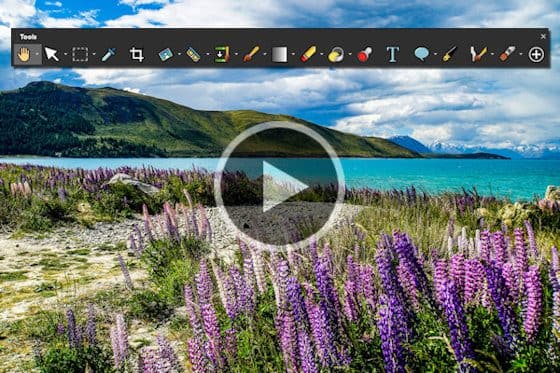
Overview of the Tools toolbar
This tutorial provides an overview of PaintShop Pro’s Tools toolbar, where you will find all the key tools for basic to advanced photo editing tasks.
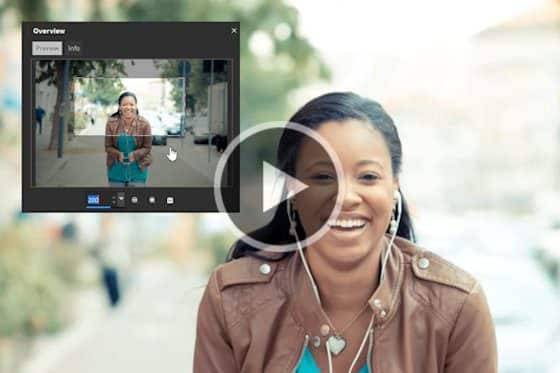
How to use the Pan tool in PaintShop Pro
Learn how pan in PaintShop Pro using the Pan tool, the Overview palette, and time-saving keyboard shortcuts to move around on your image.
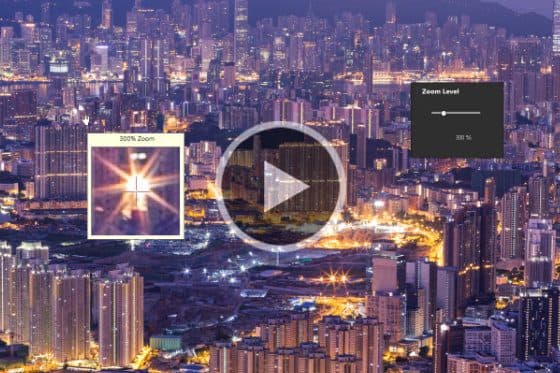
How to use the Zoom tool in PaintShop Pro
In this tutorial, you’ll learn how to use the Zoom tool in PaintShop Pro to zoom in and out while you are editing your images and photos.
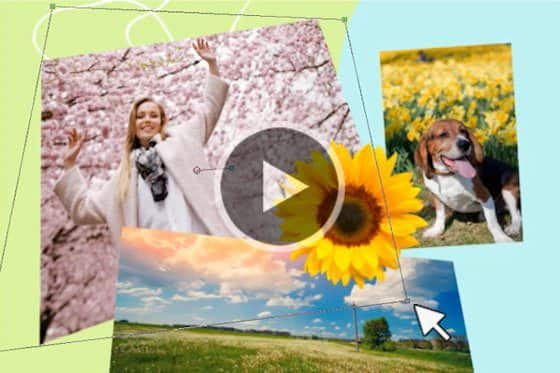
How to use the Pick tool in PaintShop Pro
Learn the basics of selecting and moving objects with the Pick tool in PaintShop Pro, plus transformation options like rotate, resize, and shear.

How to use the Move tool in PaintShop Pro
This tutorial will show you how to use the Move tool to move multiple elements or layers together as one on your PaintShop Pro canvas.
Introduction to Selection tools
In this introductory tutorial you’ll learn the basics of using PaintShop Pro’s Selection tools to create regular and irregular shaped selections.
How to use the Magic Wand selection tool
Learn how to use the Magic Wand selection tool in PaintShop Pro to select an object, and how to adjust the various settings to achieve a perfect selection.
Making a fine-detail selection
Learn how to use PaintShop Pro’s Smart Selection tool and Edit Selection mode to create a fine-detail selection, then remove and replace the background.
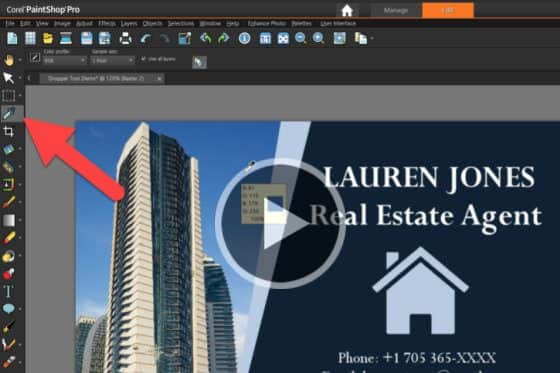
Sampling and selecting colors with the Dropper tool
In this tutorial, you’ll learn how to use PaintShop Pro’s Dropper tool to sample a foreground or background color from any open image.
How to crop photos
PaintShop Professional Carole Asselin shows you the different ways you can crop your photos to remove unwanted elements or improve your composition.
How to straighten a photo
Learning how to straighten a photo is a key step in photo editing. You can easily correct your crooked photos with PaintShop Pro’s Straighten tool.
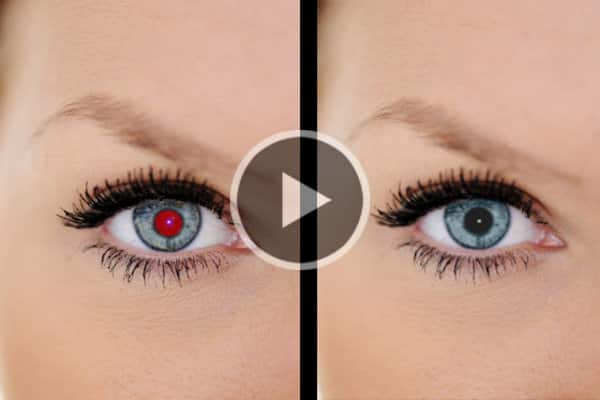
Removing the red-eye effect
Learn how to correct the red-eye effect – a common problem in photos – with the Red Eye Removal tools in PaintShop Pro.
Using the Makeover tools
Let PaintShop Pro be your makeup artist! Learn how to use the Makeover tools to remove blemishes and stray hairs, whiten teeth and smooth out skin.
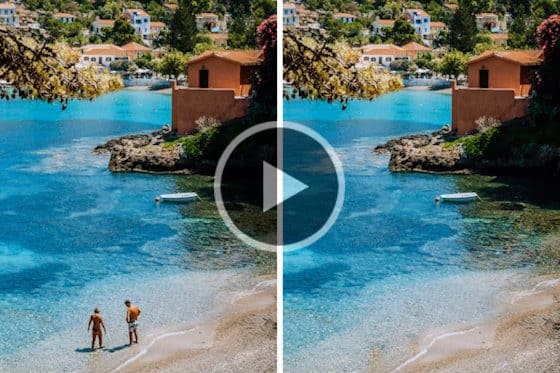
How to use the Object Remover in PaintShop Pro
Learn how to use PaintShop Pro’s Object Remover tool to remove people or objects and replace with source material from another part of your photo.
How to use the Scratch Remover tool in PaintShop Pro
Learn how to use the Scratch Remover tool in PaintShop Pro to easily remove scratches, cracks, and other linear elements from your photos.
Using the brush tools
The brush tools in PaintShop Pro offer countless ways to work creatively with your images. This tutorial will show you how.
Enhancing photos with the Burn and Dodge tools
Learn how to make subtle enhancements to your photos, using the Burn and Dodge tools to brighten eyes and enhance other facial features.

How to use the Eraser tool
In this tutorial, we’ll show you how to use PaintShop Pro’s Eraser tool to erase unwanted areas of your photo to transparency or semi-transparency.
Creating transparent backgrounds with the Background Eraser
Learn how to use PaintShop Pro’s Background Eraser to remove the background of a photo, creating a transparent background you can fill with a new photo.

How to use the Flood Fill tool
In this tutorial, you will learn how to use the Flood Fill tool in PaintShop Pro to fill areas of your images with colors, gradients, or patterns.
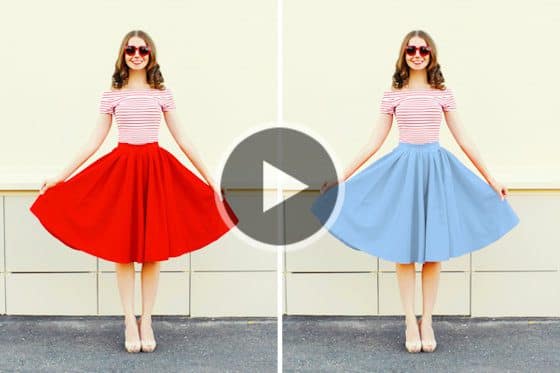
How to use the Color Changer tool
This tutorial will show you how to use the Color Changer tool in PaintShop Pro to change the color of an object or a selected area in your image.
Creating gradients in PaintShop Pro
See how you can create and adjust gradient fills quickly and easily with the Gradient Fill tool in PaintShop Pro.

How to use the Picture Tube tool
PaintShop Pro’s Picture Tube tool allows you to stamp a graphic onto your image with a single click, or even spray a number of graphics to create a streamer effect.
How to add text to photos
Learn how to add text to your PaintShop Pro projects, from simple captions to colorful word art filled with textures, gradients, patterns or even other images.
How to use the Frame tool
See how to use PaintShop Pro’s Frame tool to quickly and easily create digital layouts and add your images to a variety of shape or text frames.
How to use the Shape tools
Learn how to use PaintShop Pro’s shape tools to create and customize rectangles, ellipses, and polygons, plus preset shapes like callouts and arrows.
How to use the Pen tool in PaintShop Pro
Learn how to use the Pen tool in PaintShop Pro to create lines and curves using different line modes and adjusting the various tool option settings.

Painting with the Art Media tools
The brush tools in PaintShop Pro offer countless ways to work creatively with your images. This tutorial will show you how.
Photo Corrections and Enhancements
Introduction to AfterShot Lab
In this tutorial, we’ll review the interface and tools within AfterShot Lab, the RAW image editing application built into PaintShop Pro 2023.
How to use Focus Stacking
Learn how to use Focus Stacking to blend multiple images of the same scene, taken at different focus distances, to create a crisp and clear image.
Webinar: Fixing common photo imperfections
Learn how to fix common photo imperfections, such as bad lighting, out of focus or overexposed, in this webinar by PaintShop Professional George Kurzik.
Webinar: Portrait retouching in PaintShop Pro
PaintShop Professional Brad Barton gives an in-depth demonstration of his portrait retouching workflow, from removing blemishes to replacing backgrounds.
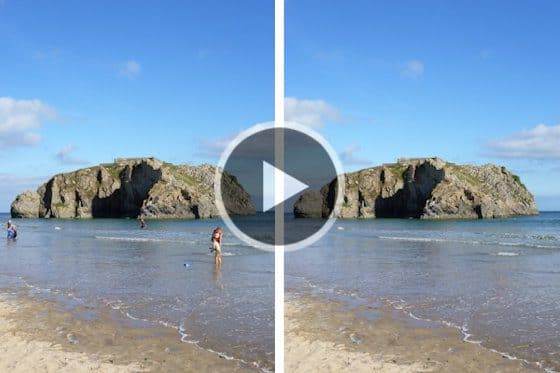
Removing unwanted objects from photos
This tutorial will show you how to use the various tools in PaintShop Pro to remove unwanted objects in your photos.
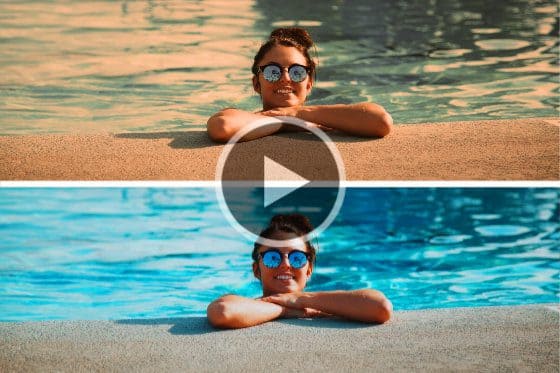
6 easy ways to fix summer photos
Here are 6 easy ways to fix summer photos and make them look more professional, using a few simple tools in PaintShop Pro to correct common issues.

Enhancing Fall photos
Do your Fall photos need some help? Learn how to fix common photography issues and enhance your photos with special effects in PaintShop Pro.
7 Tips to enhance wedding photos
Here are some tips to enhance the photos that your wedding guests have captured and shared with you, with straightening, cropping and adjusting color in PaintShop Pro.

How to edit fireworks photos
Make your Fourth of July fireworks photos POP with these PaintShop Pro photo editing tricks for enhancing brightness and color.
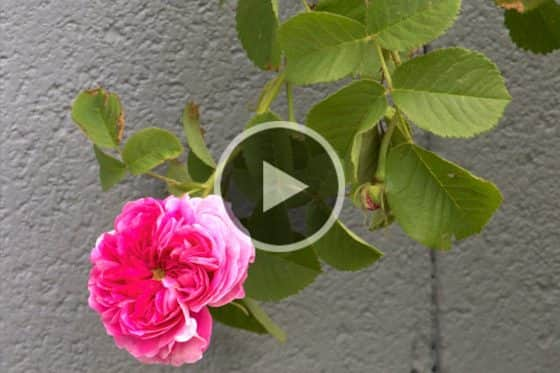
Working with the RAW lab
PaintShop professional Robert Taylor demonstrates the steps he uses to edit an image in the RAW lab, using Adjustment layers in PaintShop Pro.
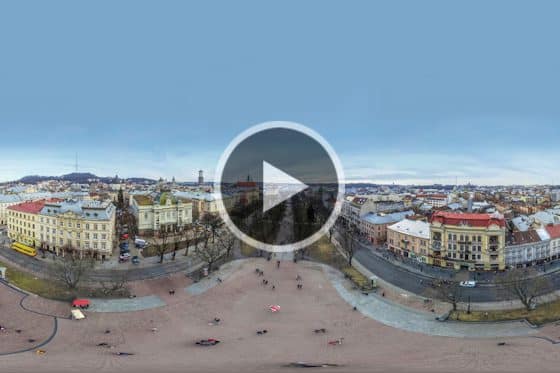
Editing 360° photos
Learn how to use the 360° photo editing capabilities in PaintShop Pro to quickly and easily correct, adjust and apply effects to your 360° photos.
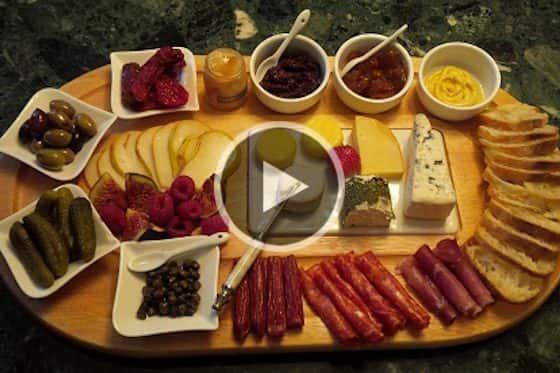
Improving food photos
Learn how to improve your food photos by removing unwanted splatter, adjusting colors to make them stand out, and adding a frame.
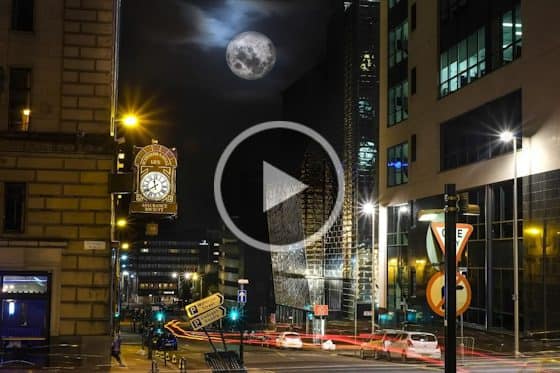
How to lighten night photos
Lightening up dark night photos is easy in PaintShop Pro, once you get to know how to adjust the Fill Light and Clarity settings.
How to add Dodge and Burn highlights
Get some tips from PaintShop Professional Bob Taylor on how to add subtle light and dark highlights to enhance your photos.
Changing your eye color
Experimenting with your appearance is fun! Find out what you would look like with a different eye color in a few simple steps.
How to enlarge images with PhotoZoom
Learn how to use the PhotoZoom plugin to preserve fine details and enhance image quality when enlarging or downsizing your photos.
Fixing dark or underexposed photos
In this tutorial we’ll show you two easy ways you can fix your dark, underexposed photos using Fill Flash or Fill Light Clarity in PaintShop Pro.
Using the Makeover tools
Let PaintShop Pro be your makeup artist! Learn how to use the Makeover tools to remove blemishes and stray hairs, whiten teeth and smooth out skin.
Removing the red-eye effect
Learn how to correct the red-eye effect – a common problem in photos – with the Red Eye Removal tools in PaintShop Pro.
Lens correction support
See how to use RAW lab to fix common issues such as distortions, vignetting and chromatic aberrations introduced by most lenses.

Adjusting photos faster with batch processing
Learn how to save time and effort by combining Smart Photo Fix and batch processing to apply adjustments to multiple photos at once.
Enhancing photos with the Burn and Dodge tools
Learn how to make subtle enhancements to your photos, using the Burn and Dodge tools to brighten eyes and enhance other facial features.
Cropping photos for better composition
When cropping a photo in PaintShop Pro, use the Rule of Thirds grid to see where to key elements should be located, in order to improve the composition.
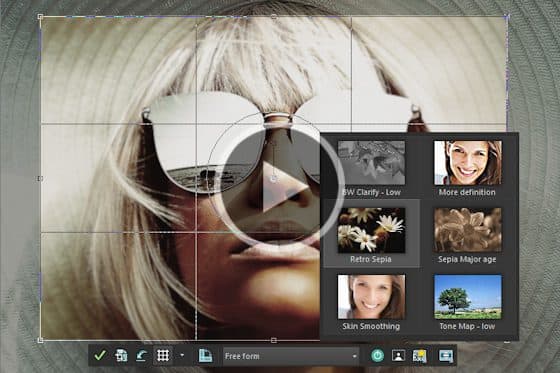
Enhancing photos from the Crop toolbar
Now it’s easier than ever to perfect your photos in PaintShop Pro, with the most-used enhancement features added directly into the Crop workflow.
Removing JPEG artifacts from photos
Easily remove JPEG artifacts and restore the fine details and original colors in your photos with PaintShop Pro’s AI-powered artifact removal feature.
Removing noise from photos with AI Denoise
Removing noise from photos just got easier, with PaintShop Pro’s AI Denoise feature. See how to get crisp and clear images with just one click.
Enlarging photos with AI Upsampling
See how you can dramatically enlarge any photo without compromising resolution or visual quality, using PaintShop Pro’s AI upsampling feature.
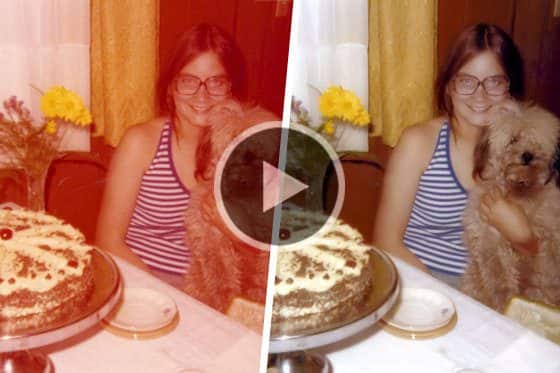
Restoring faded and discolored photos
Do you have photos that have become faded or discolored over time? Learn how to restore and breathe new life into scanned photos and dull digital images.
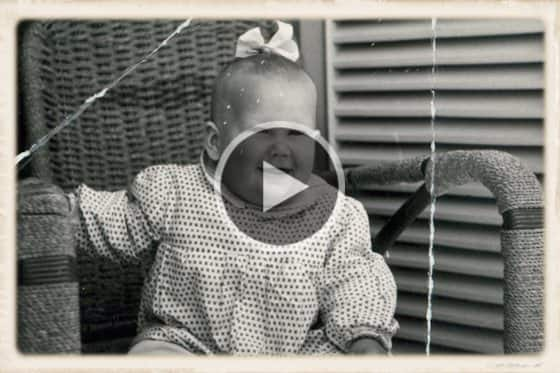
Remove scratches, cracks and dust from old photos
Need to remove scratches, cracks and dust from old photos? Here’s how to use PaintShop Pro’s photo restoration tools to erase signs of wear and damage.
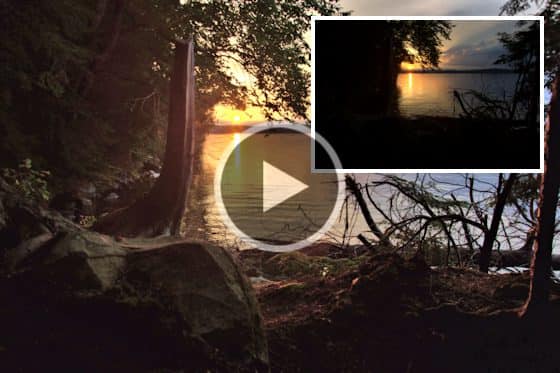
Improving quality in low resolution photos
Need to fix low resolution photos? Learn how to use PaintShop Pro to improve image quality, add color and vibrancy, sharpen and remove digital noise.
Correcting perspective distortion
If your photos of buildings are looking crooked or skewed, you can fix this quickly and easily using the Perspective Correction tool in PaintShop Pro.
How to resize images
See how you can resize images using different techniques in PaintShop Pro, to fit specific dimensions or a specific area like a photo frame.
How to crop photos
PaintShop Professional Carole Asselin shows you the different ways you can crop your photos to remove unwanted elements or improve your composition.
How to use the Scratch Remover tool in PaintShop Pro
Learn how to use the Scratch Remover tool in PaintShop Pro to easily remove scratches, cracks, and other linear elements from your photos.
AI Portrait Mode
Learn how to create professional-looking portraits with PaintShop Pro’s AI Portrait Mode feature that automatically applies a blur effect to the background.
Instant background replacement
The AI Background Replacement feature in PaintShop Pro automatically detects and masks people in a photo so you can seamlessly replace the background.
Adding Effects

Webinar: Adding special effects to photos
In this webinar recording, you will learn how to add some creative photo effects in PaintShop Pro, including selective color, depth of field, text overlays, vignettes and more.
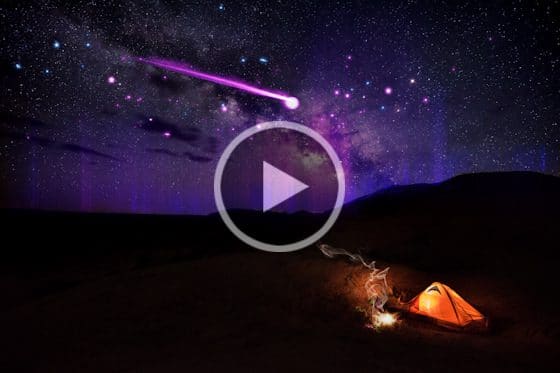
Webinar: Using ParticleShop with PaintShop Pro
In this webinar, learn how to use the ParticleShop brush plugin to artistically enhance your photos and artwork in PaintShop Pro.
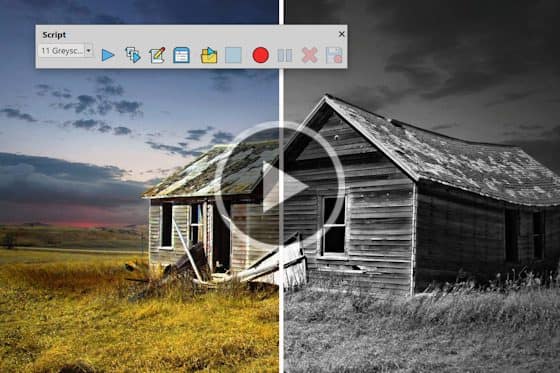
Webinar: An introduction to scripts
In this 1 hour webinar, PaintShop Professional Carole Asselin will teach you the basics of scripting to apply special effects and speed up your workflow.
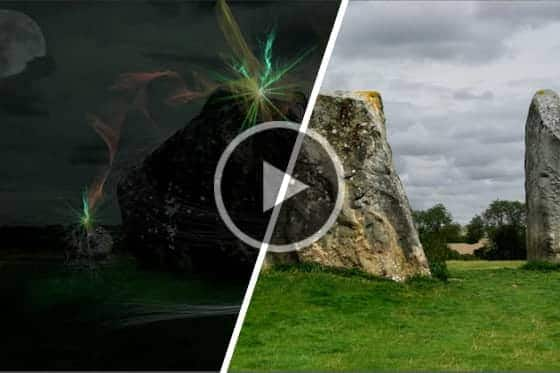
Adding special effects to your photos with ParticleShop
See how you can add amazing, one-of-a-kind special effects to your photos with the ParticleShop brush plugin for PaintShop Pro.
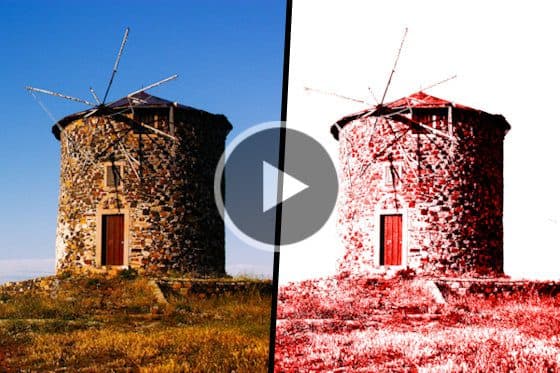
How to use and customize the High Key Monochrome scripts
Transform your photos into stunning high key monochrome images! Learn how to apply and customize the High Key Monochrome scripts for PaintShop Pro.
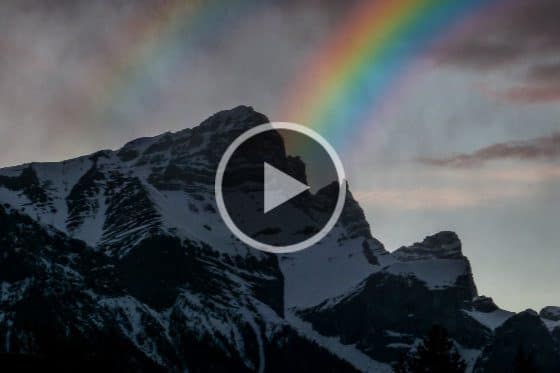
Add a rainbow to photos
It’s easy to add a realistic rainbow effect to your photos in PaintShop Pro. Download the free graphic and follow along with this step-by-step tutorial.
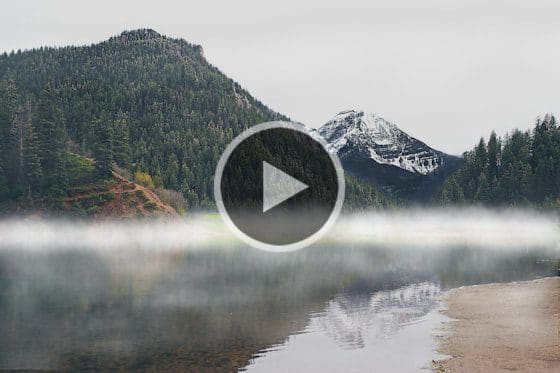
How to add fog to photos
Want to create a misty morning landscape? This tutorial will show you how to use PaintShop Pro’s Airbrush tool to add fog to your photos.

How to add snow to a photo
Create a winter wonderland scene with PaintShop Pro! Learn how to add snow to a photo and then save the effect as an overlay to use on other photos.
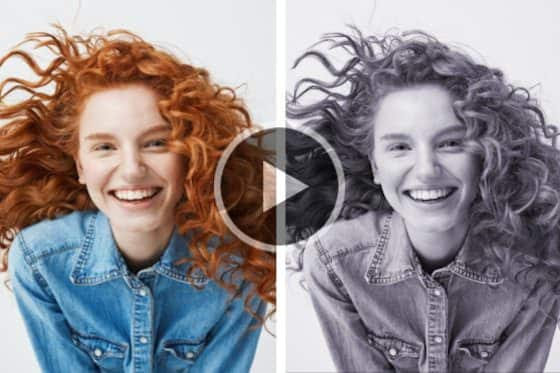
How to convert color photos to black and white
In this tutorial you will learn some simple techniques to convert color photos to black and white in PaintShop Pro, using scripts and different effects.
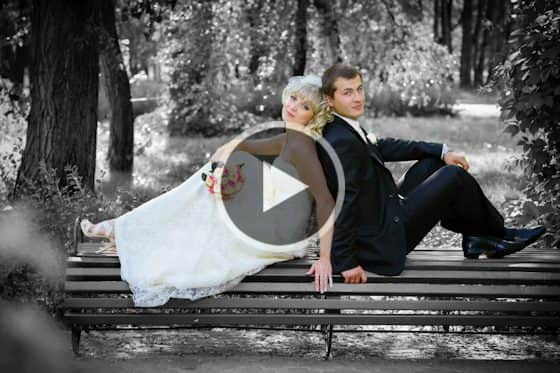
Adding drama with selective color
Learn how to apply the selective color technique in PaintShop Pro by converting an image to black and white while leaving a key part in color.
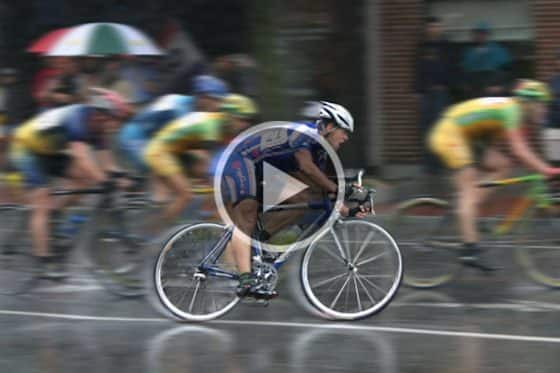
How to add a motion blur effect to photos
Learn how to add a sense of speed and movement to your photos of moving objects or people, using a motion blur effect in PaintShop Pro.
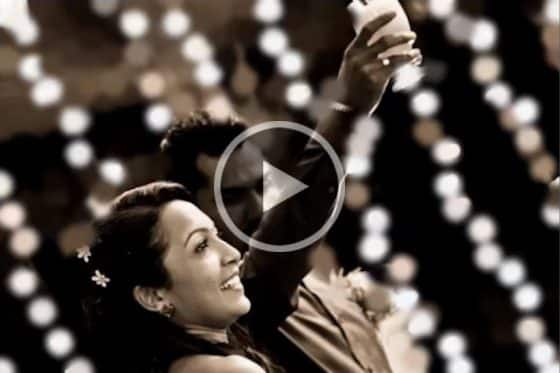
How to create a Bokeh effect
Creating this background blurring effect can be difficult to achieve with your camera – here’s how to get the same effect with PaintShop Pro.
Creating a Depth of Field effect
Learn how to make objects pop with emphasis by applying various degrees of blur and clarity using the Depth of Field feature in PaintShop Pro.
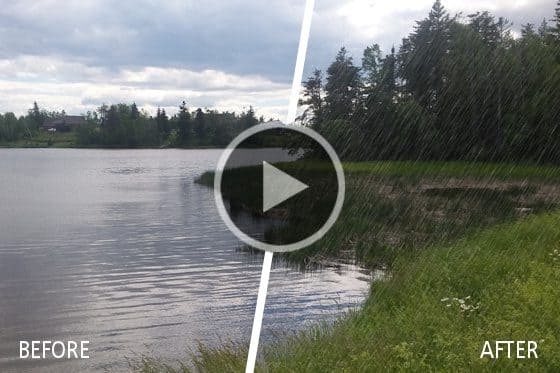
How to add a rain effect to a photo
Learn how to add a realistic rain effect to an image in PaintShop Pro, using selection tools, layers, noise, brightness and contrast, and motion blur.

Create a digital tattoo
Learn how to add a digital tattoo using PaintShop Pro. See what your design looks like before you make it permanent!
Creating the Dragan effect
Learn how to create the Dragan effect on your own photos by using PaintShop Pro to adjust hue, saturation, brightness and contrast.
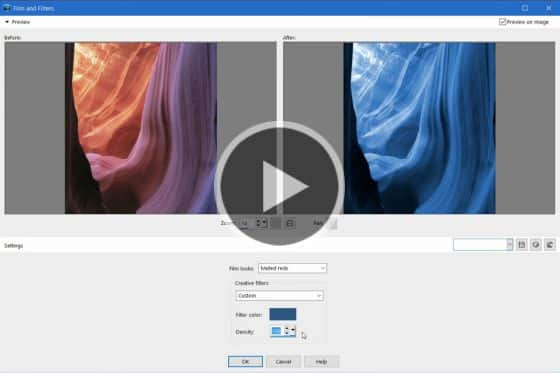
Applying film and filter effects
This tutorial will show you how to add preset film effects and colorful creative filters to your PaintShop Pro images for a unique look.
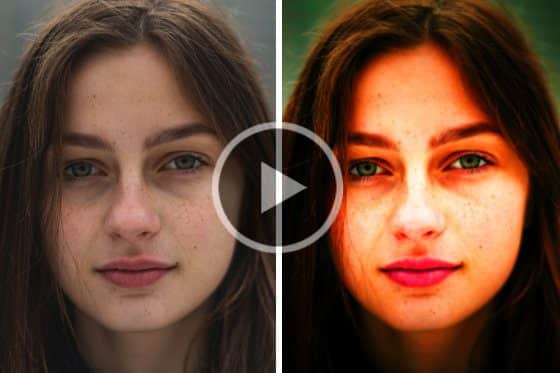
Adding Instant Effects
Learn how to use PaintShop Pro’s Instant Effects palette to enhance your images with photo filters for artistic, portrait, landscape and other styles.

Create a miniature scene with the tilt-shift effect
Learn how to use PaintShop Pro’s Selective Focus tool to create a tilt-shift effect that simulates scenes of bright, colorful miniature villages and toys.
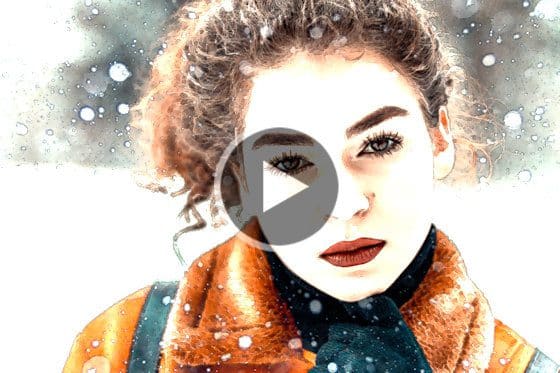
How to use scripts
PaintShop Pro scripts are the easiest way to transform your photos from ordinary to extraordinary. Download the free script and give it a try!
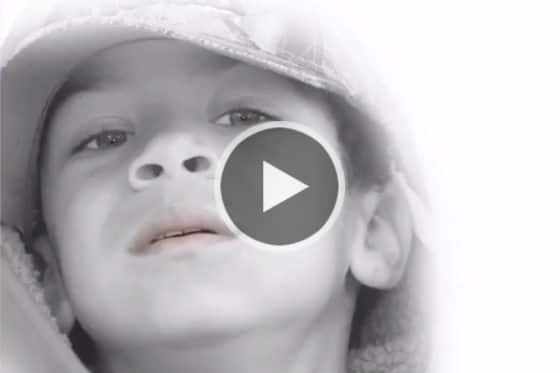
Create a dreamy effect on a portrait
PaintShop Professional Bob Taylor demonstrates his process of adding a dreamy effect to a portrait photo using layers, vibrancy, Gaussian blur, and more.
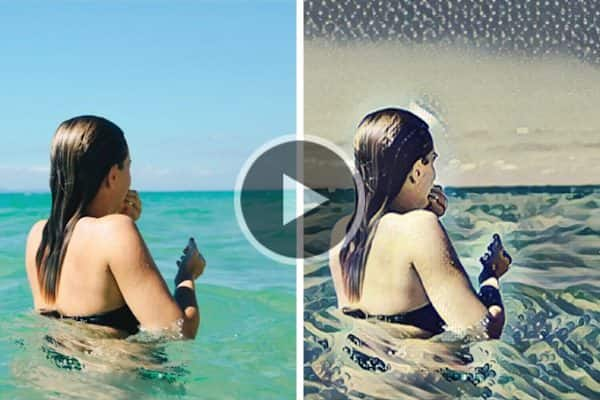
Turn your photos into paintings
Learn how to use PaintShop Pro’s AI styles and painting presets to instantly transform your photo into a work of art that replicates the style of iconic artists.
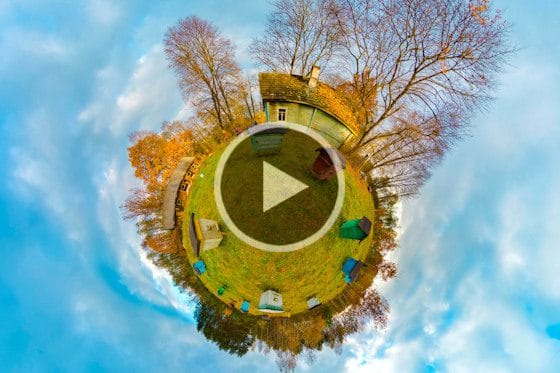
Create a tiny planet photo
Love tiny planet photos? Learn how to convert your 360° photos into tiny planet or rabbit hole images with the 360° photo editor in PaintShop Pro.
Enhanced AI Style Transfer
With PaintShop Pro’s AI Style Transfer, you can instantly turn your photos into works of art with dozens of presets that replicate famous artistic styles.
Working with Layers
Part 1 of 6: An introduction to layers
In the first tutorial of this 6-part series on Working with Layers, we explore what layers are, and how you would use them in a variety of photo editing projects.
Part 2 of 6: Background, Raster, Vector and Art Media layers
This tutorial provides a more in-depth look at the various types of layers in PaintShop Pro: background, raster, vector and art media.
Part 3 of 6: Layer Blend Modes
In this tutorial you’ll learn about the various blend modes, what effects they produce, and when you would use them.
Part 4 of 6: Layer opacity
Now that you are familiar with how to use various blend modes, we’ll show you how to adjust the layer opacity to get just the right effect.
Part 5 of 6: How to use layers to create a collage
In this video we’ll walk you through a simple, hands-on project that will get you familiarized with using layers.
Part 6 of 6: How to use layers to create dynamic photos
Learn how to enhance your photo, how to apply different effects, how to use blend modes and how to erase parts of your image.

Quick search for layers
This brief tutorial shows you the improvements made to PaintShop Pro layers, which make editing multi-layered images in faster and easier.
How to merge layers
Learn how to create a new layer that encompasses all visible layers, and merge all selected layers onto an existing or a new layer.
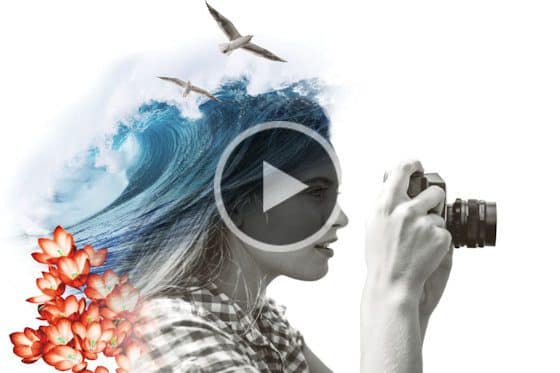
Webinar: An introduction to layers
PaintShop Professional Brad Barton teaches you everything you need to know about layers, from creating and viewing to merging and blending.
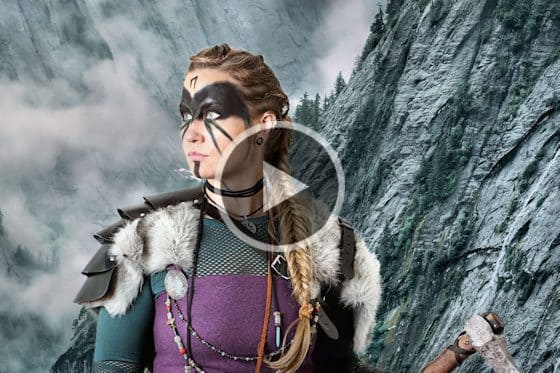
Webinar: Working with layers – Part 2
PaintShop Professional Brad Barton shows you how to use advanced layer features, masking techniques and selection tools to create composite images.
Working with Transparency
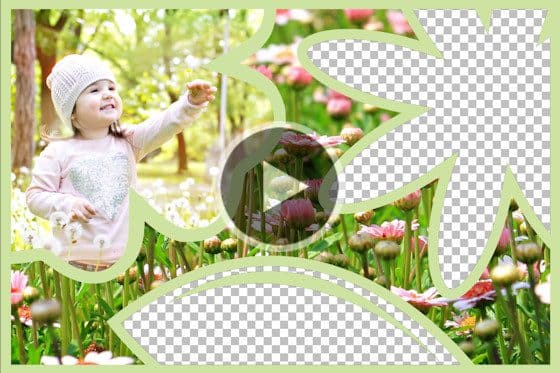
Understanding transparency in PaintShop Pro
In this tutorial we’ll introduce you to the basics of transparency in PaintShop Pro and demonstrate how it is used in a few simple photo editing projects.
How to use the Eraser tool
In this tutorial, we’ll show you how to use PaintShop Pro’s Eraser tool to erase unwanted areas of your photo to transparency or semi-transparency.

Removing single color backgrounds with the PNG Optimizer
Need an image with a transparent background? Here’s a quick and easy way to remove a single-color background using PaintShop Pro’s PNG Optimizer.

How to cut out shapes and text
Learn how to use PaintShop Pro’s Shape and Text Cutter tools to crop your photos into shape or text objects with transparent backgrounds.
Instant background replacement
The AI Background Replacement feature in PaintShop Pro automatically detects and masks people in a photo so you can seamlessly replace the background.
Creating transparent backgrounds with the Background Eraser
Learn how to use PaintShop Pro’s Background Eraser to remove the background of a photo, creating a transparent background you can fill with a new photo.
Working with Masks
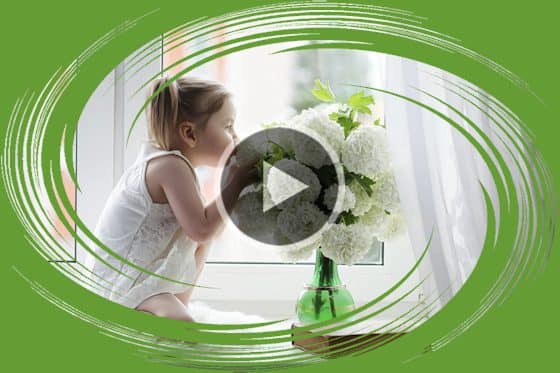
Introduction to masks
Get an introduction to masking in PaintShop Pro and see how you can use masks for creative photo framing, transitions, textures, collages and more.
How to apply masks
Learn how to apply and adjust a simple mask from PaintShop Pro’s mask library, and how to get free masks and more creative content from the Welcome Book.

How to edit and adjust masks
Learn how to apply and adjust a simple mask from PaintShop Pro’s mask library, and how to get free masks and more creative content from the Welcome Book.
How to create new masks
Create your own masks from scratch. Apply a variety of masks to your photos with five unique options. This step-by-step tutorial will demonstrate how.

Creating masks from text and shapes
Discover creative ways to use text and PaintShop Pro’s pre-set shapes make your own photo masks, which can then be saved for use in future projects.

Creating masks from selections
In this tutorial you will learn advanced masking techniques using PaintShop Pro’s selection tools and brush tools to create unique, custom photo effects.
Creating gradient masks
Learn how to create, adjust and apply gradients and then use them as masks to create interesting transitions between two different photos.

How to make collage templates
Learn how to use shapes and masks to make collage templates in PaintShop Pro. Build your own unique layouts to showcase your favorite photos.

Webinar: Working with masks in PaintShop Pro
Masks can be used to show or hide parts of an image, fade between layers or create special effects. Learn how in this 1-hour webinar.
Webinar: The ins and outs of masking
Learning the ins and outs of masking with PaintShop Professional Brad Barton as he demonstrates his tips and workflows for working with masks.
Working with Selections

How to use the Refine brush
Learn how to use the Refine brush in PaintShop Pro to select an object with extreme precision, down to a single strand of hair!
How to use Magic Fill to remove unwanted objects
Here’s the easiest way to remove an unwanted object in PaintShop Pro – just create a selection around the object and click the Magic Fill button.

The Magic Move tool
See how the Magic Move tool in PaintShop Pro will automatically match and replace the background when you move a person or object in a photo.

Improved selection behavior
This brief tutorial demonstrates the improvements to selection behavior in PaintShop Pro X8 that will streamline your workflow and save time.
Creating masks from selections
In this tutorial you will learn advanced masking techniques using PaintShop Pro’s selection tools and brush tools to create unique, custom photo effects.
Making a fine-detail selection
Learn how to use PaintShop Pro’s Smart Selection tool and Edit Selection mode to create a fine-detail selection, then remove and replace the background.
How to use the Magic Wand selection tool
Learn how to use the Magic Wand selection tool in PaintShop Pro to select an object, and how to adjust the various settings to achieve a perfect selection.
Introduction to Selection tools
In this introductory tutorial you’ll learn the basics of using PaintShop Pro’s Selection tools to create regular and irregular shaped selections.
How to use the Object Remover in PaintShop Pro
Learn how to use PaintShop Pro’s Object Remover tool to remove people or objects and replace with source material from another part of your photo.
Working with Color and Fills
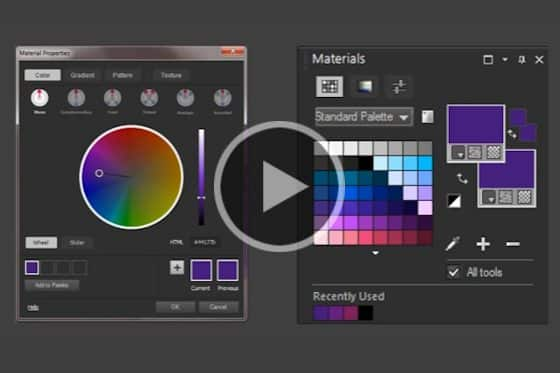
How to use Color Harmonies in PaintShop Pro
With the Color Harmonies feature in PaintShop Pro, all you have to do is select your primary color and it will suggest complementary color swatches.
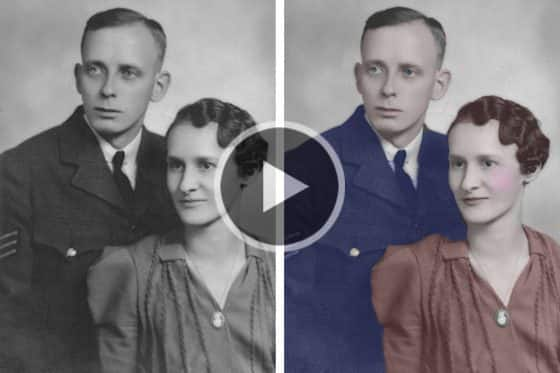
How to colorize black and white photos
In this tutorial we’ll show you how to breathe new life into your images with 2 simple techniques to colorize black and white photos in PaintShop Pro.
Creating gradient masks
Learn how to create, adjust and apply gradients and then use them as masks to create interesting transitions between two different photos.
How to use the Color Changer tool
This tutorial will show you how to use the Color Changer tool in PaintShop Pro to change the color of an object or a selected area in your image.
Creating gradients in PaintShop Pro
See how you can create and adjust gradient fills quickly and easily with the Gradient Fill tool in PaintShop Pro.
How to use the Flood Fill tool
In this tutorial, you will learn how to use the Flood Fill tool in PaintShop Pro to fill areas of your images with colors, gradients, or patterns.
Selecting colors in the Material Properties window
Learn how to use the Material Properties window to access a wide array of color palettes, complementary color schemes, gradients, patterns and textures.
How to use the Materials palette
Get a guided tour of PaintShop Pro’s Materials palette, and learn how to select colors, patterns and textures, and create custom color palettes.
Sampling and selecting colors with the Dropper tool
In this tutorial, you’ll learn how to use PaintShop Pro’s Dropper tool to sample a foreground or background color from any open image.
Working with Templates

How to customize templates
Here are 9 ways you can quickly and easily customize PaintShop Pro templates to create your own unique collages, cards, social media images and more!
Working with project templates
Learn how you can create professional-looking collages, social media images, cards, brochures and more with project templates in PaintShop Pro.
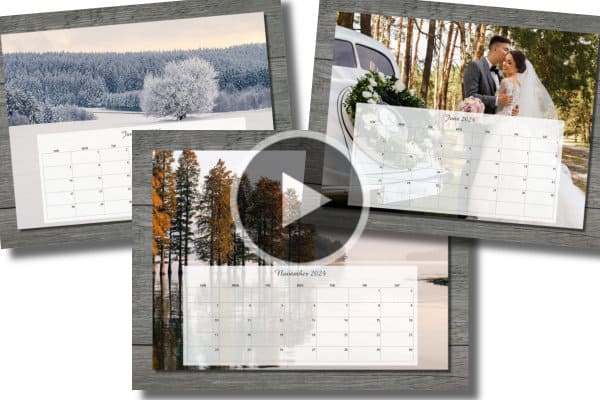
How to use calendar templates
Learn how to create a personalized calendar in PaintShop Pro using your own photos and a calendar template. Download the free template and follow along.

How to use collage templates
Download the free template and follow along as we show you how to add your own photos to create a beautiful collage in PaintShop Pro.

Make an Instagram template in PaintShop Pro
Learn how to design a holiday-themed Instagram template in PaintShop Pro, with background, photo opening, decorative elements, special effects, and text.
Make gift tags in PaintShop Pro
Want to add a personal touch to your gifts? Download the free resources and follow the step-by-step instructions for making gift tags in PaintShop Pro.

Make a photo postcard in PaintShop Pro
Learn how to create and print your own custom photo postcards in PaintShop Pro. Download the free resources and follow the step-by-step instructions.

How to use the FREE holiday card template
Download the FREE holiday card template and follow along with this PaintShop Pro tutorial to customize it with your own text and photo.
How to make collage templates
Learn how to use shapes and masks to make collage templates in PaintShop Pro. Build your own unique layouts to showcase your favorite photos.
How to use the Frame tool
See how to use PaintShop Pro’s Frame tool to quickly and easily create digital layouts and add your images to a variety of shape or text frames.
Working with Text
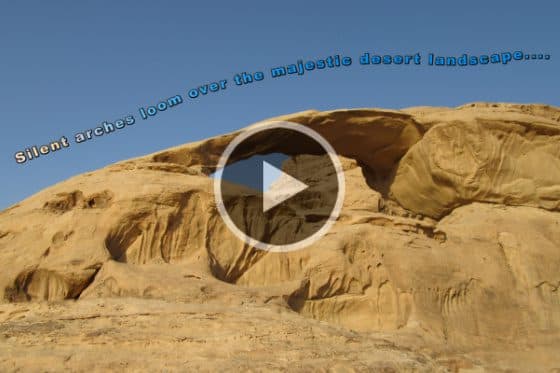
Fit text to a path
In this tutorial, we’ll show you two different methods for creating unique text effects by aligning your text to a curve or shape in PaintShop Pro.
Text wrapping in PaintShop Pro
The Text Wrapping tool lets you wrap text inside any vector shape or selection – great for brochures, collages, websites and more!
Using the Text toolbar for quick styles
This tutorial will show you how to quickly apply the text styles you want with a simplified text toolbar in PaintShop Pro X9.

Using text presets in PaintShop Pro
Learn how to use free text presets to easily add fun and creative text effects to your photo editing projects. Available in PaintShop Pro X9 and up.
How to add text to photos
Learn how to add text to your PaintShop Pro projects, from simple captions to colorful word art filled with textures, gradients, patterns or even other images.
Photo Editing Projects
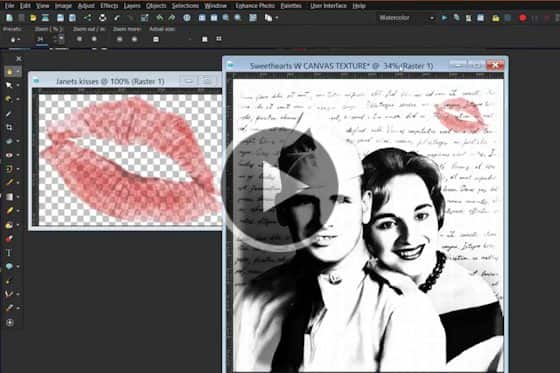
Webinar: Creating compelling compositions in PaintShop Pro
PaintShop Professional Jann Paxton demonstrates the tools and techniques he uses to combine two or more images into a creative composition.

Creating a meme in PaintShop Pro
Have you ever had a great idea for a meme but didn’t know how to create it? Learn how to do this in PaintShop Pro.

Make a Facebook cover collage
Learn how to create a unique and memorable collage for your Facebook cover image, using your own photos and PaintShop Pro.
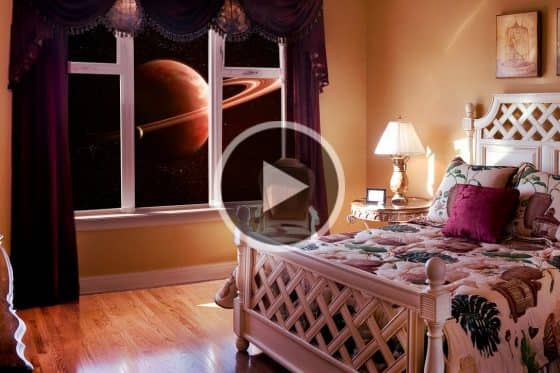
Create a galaxy view from your window
This tutorial will show you how to use PaintShop Pro to make it look like you can see into the galaxy right out of your bedroom window.

How to make a panorama
PaintShop Pro makes it easy to create a panoramic image from a series of photos. Learn how to work with layers, align images, and crop your final photo.
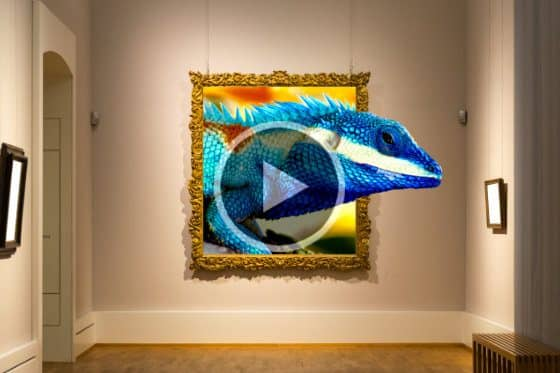
Create a 3D photo effect
Learn how to create a 3D photo effect in PaintShop Pro. This photo editing technique will make it look like part of your image is coming right out of the frame!
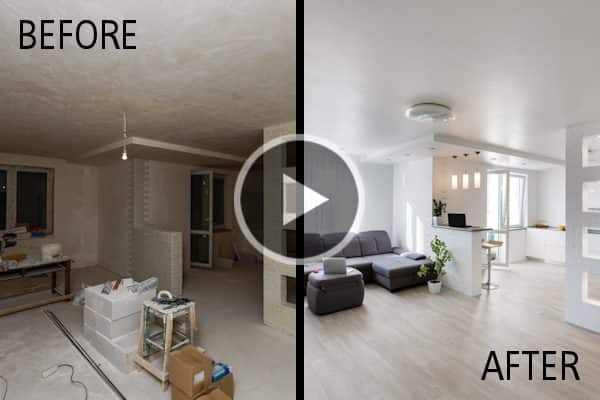
How to make before and after images
Learn how to make 2 different styles of before and after images in PaintShop Pro: the side-by-side comparison and the artistic split image.

Create a web banner
With PaintShop Pro you can create your own web banners to promote your business – complete with images, text and web links!

Creating a simple logo
Here’s how you can use the Shape and Text tools in PaintShop Pro to create a simple logo for your business or brand.
Photo Restoration
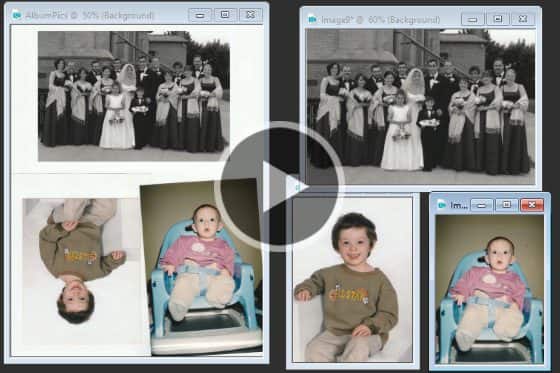
Scanning photos into PaintShop Pro
Need to get your printed photos onto your computer? Get some tips on scanning photos into PaintShop Pro, and how to crop and straighten them.
Improving quality in low resolution photos
Need to fix low resolution photos? Learn how to use PaintShop Pro to improve image quality, add color and vibrancy, sharpen and remove digital noise.
Removing noise from photos with AI Denoise
Removing noise from photos just got easier, with PaintShop Pro’s AI Denoise feature. See how to get crisp and clear images with just one click.
Removing JPEG artifacts from photos
Easily remove JPEG artifacts and restore the fine details and original colors in your photos with PaintShop Pro’s AI-powered artifact removal feature.
Restoring faded and discolored photos
Do you have photos that have become faded or discolored over time? Learn how to restore and breathe new life into scanned photos and dull digital images.
Remove scratches, cracks and dust from old photos
Need to remove scratches, cracks and dust from old photos? Here’s how to use PaintShop Pro’s photo restoration tools to erase signs of wear and damage.
How to use the Scratch Remover tool in PaintShop Pro
Learn how to use the Scratch Remover tool in PaintShop Pro to easily remove scratches, cracks, and other linear elements from your photos.
How to colorize black and white photos
In this tutorial we’ll show you how to breathe new life into your images with 2 simple techniques to colorize black and white photos in PaintShop Pro.

Webinar: Restoring old, damaged photos with PaintShop Pro
Want to learn the tips and tricks of photo restoration? In this webinar, PaintShop Professional Carole Asselin shows you how to restore old damaged photos.
Holiday Projects
Create vampire fangs
Turn yourself into a vampire this Halloween with this short PaintShop Pro tutorial on how to add fangs to a portrait photo in less than 2 minutes!

Webinar: Make a holiday calendar
In this webinar recording, PaintShop Professional Carole Asselin shows you how to make custom calendars using your own photos and creative flair.
Webinar: Make a spook-tacular photo
Looking for a spooky photo editing project? PaintShop Professional Brad Barton shows you how to create dramatic and mysterious scenes with ordinary photos.
6 easy ways to fix summer photos
Here are 6 easy ways to fix summer photos and make them look more professional, using a few simple tools in PaintShop Pro to correct common issues.
Halloween photo effects
Learn how to turn your ordinary photos into haunting images with these fun and easy Halloween photo effects using a few simple PaintShop Pro tools.
Enhancing Fall photos
Do your Fall photos need some help? Learn how to fix common photography issues and enhance your photos with special effects in PaintShop Pro.
Create a haunted house collage
This fun PaintShop Pro tutorial will show you how to make a haunted house collage while teaching you about using layers and a variety of photo effects.
7 Tips to enhance wedding photos
Here are some tips to enhance the photos that your wedding guests have captured and shared with you, with straightening, cropping and adjusting color in PaintShop Pro.
How to edit fireworks photos
Make your Fourth of July fireworks photos POP with these PaintShop Pro photo editing tricks for enhancing brightness and color.

How to create a pumpkin-carving stencil
Take your pumpkin-carving skills to the next level this Halloween by using a photo of yourself or a friend to create a pumpkin-carving stencil.
Make an Instagram template in PaintShop Pro
Learn how to design a holiday-themed Instagram template in PaintShop Pro, with background, photo opening, decorative elements, special effects, and text.
Make gift tags in PaintShop Pro
Want to add a personal touch to your gifts? Download the free resources and follow the step-by-step instructions for making gift tags in PaintShop Pro.
Make a photo postcard in PaintShop Pro
Learn how to create and print your own custom photo postcards in PaintShop Pro. Download the free resources and follow the step-by-step instructions.
How to use the FREE holiday card template
Download the FREE holiday card template and follow along with this PaintShop Pro tutorial to customize it with your own text and photo.
Cloning and Blending

How to blend photos in PaintShop Pro
Learn how to blend photos in PaintShop Pro, by combining the best parts of multiple shots and removing unwanted elements to create a perfect image.
How to use Blend Modes in PaintShop Pro
Learn how to use PaintShop Pro’s Blend Modes to create interesting effects by changing the way different layers interact with underlying layers.

Get perfect family portraits
Learn how to use the Photo Blend tool in PaintShop Pro to combine two or more photos of the same scene into a perfect final image.

Face swap in PaintShop Pro
Learn advanced cloning techniques using PaintShop Pro’s Clone Brush for seamless and realistic results when cloning a complex pattern or texture.
Advanced cloning techniques in PaintShop Pro
Learn advanced cloning techniques using PaintShop Pro’s Clone Brush for seamless and realistic results when cloning a complex pattern or texture.
How to use the SmartClone tool
From simple retouching to intricate composite images, the SmartClone feature in PaintShop Pro is clone technology at its finest.
Removing unwanted objects from photos
This tutorial will show you how to use the various tools in PaintShop Pro to remove unwanted objects in your photos.
Using the Clone Brush
Learn the basics of using PaintShop Pro’s Clone Brush to cover unwanted parts of an image or to copy areas or objects from one image to another.
Artistic Tools and Projects
Double exposure photo effect
In this tutorial, you’ll learn how to create a double exposure photo effect in PaintShop Pro, by combining two photos into one surreal final image.
Webinar: Adding glamour with brushes
Learn how to customize your PaintShop Pro brushes to add stunning backgrounds, textures, effects and masks in your photo or design projects.

Webinar: Turning snapshots into artistic portraits
In this webinar on demand, PaintShop Professional Jann Paxton guides you through the process of enhancing a snapshot and transforming it into an artistic portrait.

Webinar: Working with Picture Tubes in PaintShop Pro
The Picture Tube tool, unique to PaintShop Pro, lets you paint with a collection of objects. See the many ways Picture Tubes can be used, and how to create your own.
Webinar: Using ParticleShop with PaintShop Pro
In this webinar, learn how to use the ParticleShop brush plugin to artistically enhance your photos and artwork in PaintShop Pro.
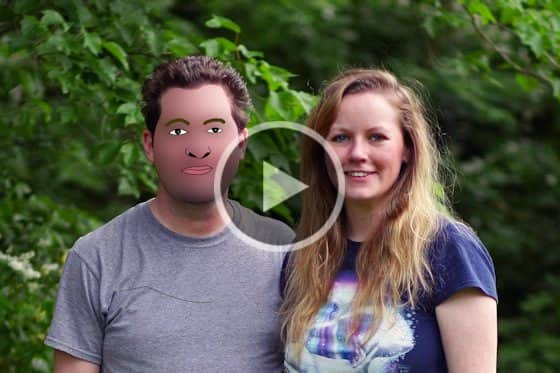
Create a cartoon portrait
Here’s a project guaranteed to entertain your social media followers. Learn how to turn your portraits into cartoon images in PaintShop Pro.
Painting with the Art Media tools
The brush tools in PaintShop Pro offer countless ways to work creatively with your images. This tutorial will show you how.
Using the brush tools
The brush tools in PaintShop Pro offer countless ways to work creatively with your images. This tutorial will show you how.
Create a silhouette image
Learn how to create a funky, pop art image with a few simple steps to turn your photo into a grayscale image and then add color with the Flood Fill tool.

Turn a photo into pop art
Learn how to create a funky, pop art image with a few simple steps to turn your photo into a grayscale image and then add color with the Flood Fill tool.
Outlining with the Pen tool
Learn how to transform a scanned, hand-drawn sketch into a digital image, using the Pen tool in PaintShop Pro to draw freehand, curved lines.
Create a haunted house collage
This fun PaintShop Pro tutorial will show you how to make a haunted house collage while teaching you about using layers and a variety of photo effects.
How to add fog to photos
Want to create a misty morning landscape? This tutorial will show you how to use PaintShop Pro’s Airbrush tool to add fog to your photos.
Create a dreamy effect on a portrait
PaintShop Professional Bob Taylor demonstrates his process of adding a dreamy effect to a portrait photo using layers, vibrancy, Gaussian blur, and more.
How to use the Pen tool in PaintShop Pro
Learn how to use the Pen tool in PaintShop Pro to create lines and curves using different line modes and adjusting the various tool option settings.
How to use the Shape tools
Learn how to use PaintShop Pro’s shape tools to create and customize rectangles, ellipses, and polygons, plus preset shapes like callouts and arrows.
How to use the Picture Tube tool
PaintShop Pro’s Picture Tube tool allows you to stamp a graphic onto your image with a single click, or even spray a number of graphics to create a streamer effect.
Adding picture frames to your photos
PaintShop Pro comes with lots of frames you can use as a finishing touch for your photos. Learn how to add a picture frame in this tutorial.
Enhanced AI Style Transfer
With PaintShop Pro’s AI Style Transfer, you can instantly turn your photos into works of art with dozens of presets that replicate famous artistic styles.
HDR Photo Editing
How to create an HDR effect
Learn how to transform your photos into stunning HDR images – no special photography techniques required, just PaintShop Pro!
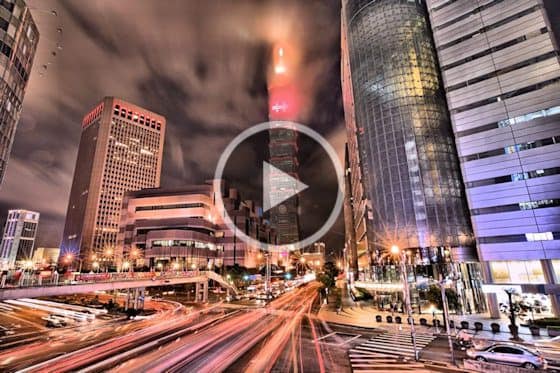
How to use HDR Exposure Merge
Learn how to use the HDR Exposure Merge feature in PaintShop Pro to combine photos taken with different exposure settings to create dramatic images.
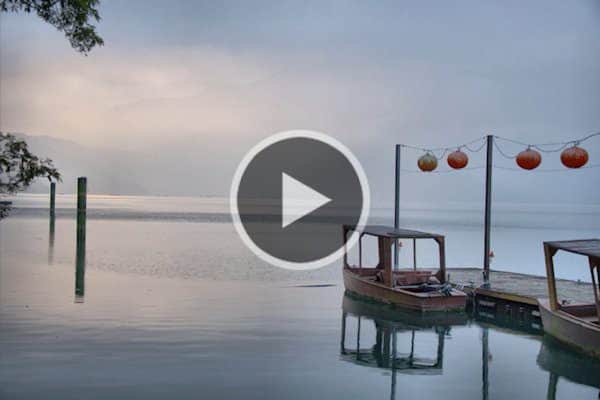
How to create custom HDR presets
Once you have created just the right HDR effect in PaintShop Pro’s HDR Lab, learn how to create, save and share your own custom HDR presets.
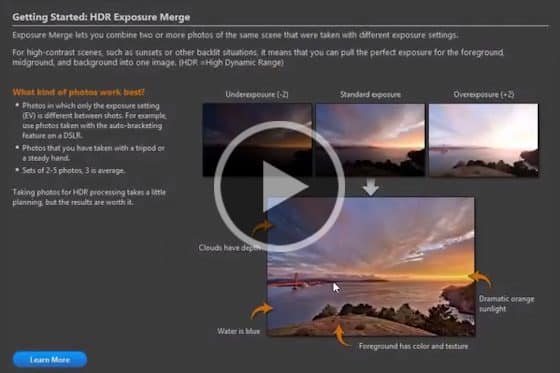
Turn your JPEG photos into HDR images
Learn how to use the HDR Merge function in PaintShop Pro to transform your ordinary JPEG photos into stunning HDR images.
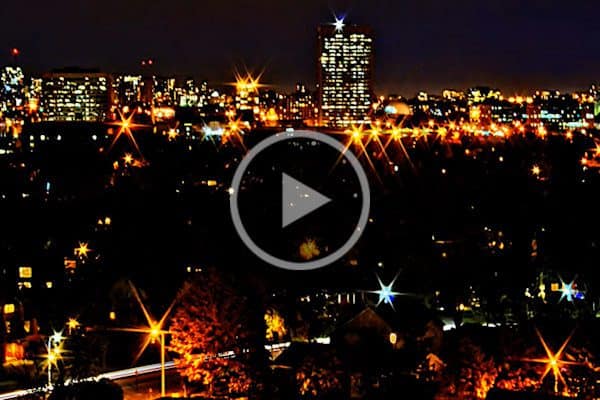
How to create night HDR photos
In this tutorial you will learn how to create an awesome nighttime HDR photo using the HDR Exposure Merge tool in PaintShop Pro.
Digital Scrapbooking
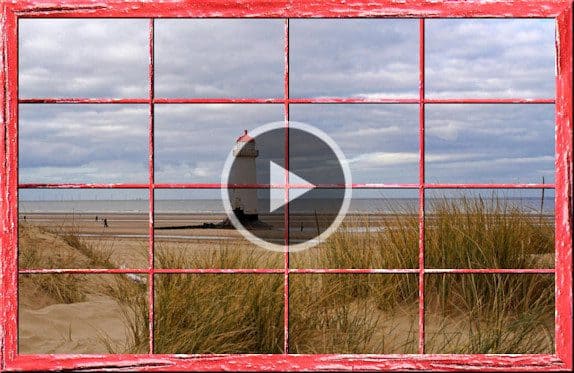
Using the Wooden Window script
Learn how to easily add a window frame border to your photos – you choose the wood texture and how many panes you want.
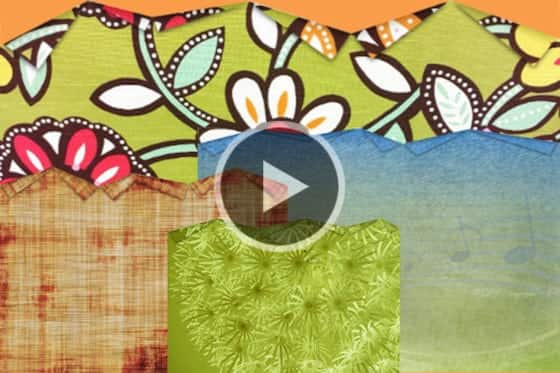
Create a folded edge
In this tutorial, scrapbooking expert Carole Asselin shows you how to create a folded edge effect using PaintShop Pro.
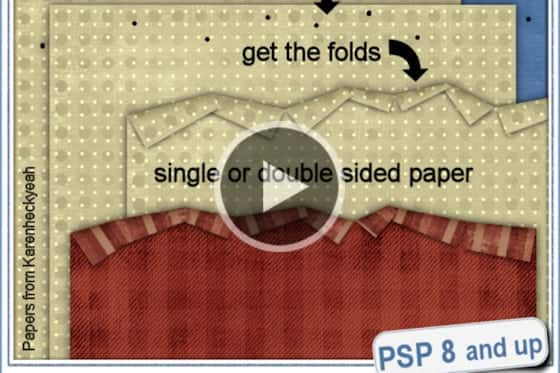
How to use the Folded Edge script
Scrapbooking Pro Carole Asselin shows you how you can quickly and easily create a folded edge effect using a PaintShop Pro script.
How to create confetti
Learn how to use the Punched Confetti script for PaintShop Pro to add a special touch to your photo editing projects.

Write a message in the sand
Learn how to use the Sand Writing script for PaintShop Pro to give text, shapes or line drawings the look of writing in the sand.

Creating ribbon loops
Learn how to use the Ribbon Loop script to create a simple loop for your digital scrapbooking projects in PaintShop Pro.
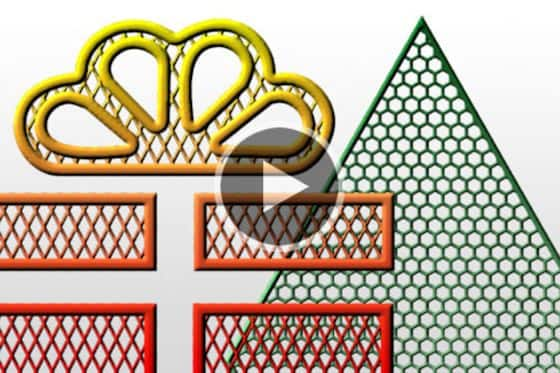
Create a filigrane element
Learn how to easily create a gorgeous and intricate filigrane element from any solid shape with this script for PaintShop Pro.
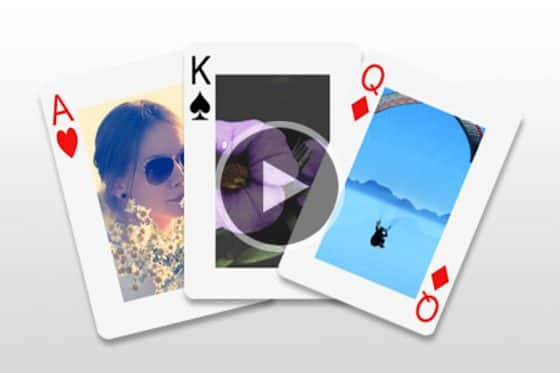
Turn your photos into playing cards
Here’s a great gift idea! Create a custom deck of playing cards using your own photos and this PaintShop Pro script.
How to create custom brushes
Learn how to make a custom brush in PaintShop Pro, using a selected shape or image, and save your preferred brush settings.

Creating a photo collage
Learn how to create a photo collage – start with a background, place your photos and add a frame to them, then add your text.

Creating a multi-layered artistic poster
Take your design skills to the next level and impress your friends and family by creating a trendy piece of artwork with PaintShop Pro.
Creating a 3-layer collage
This tutorial explores the basics of using layers in PaintShop Pro to create a simple 3-layer photo collage.
How to make a Polaroid photo border
In this tutorial, scrapbooking expert Creation Cassel will show you how to create a Polaroid photo border using PaintShop Pro.

Create scrapbook pages
Learn how to create a digital scrapbook page in PaintShop Pro, complete with background, text, graphics and photos.
Create a filmstrip with your favorite photos
This tutorial will show you how to use the Filmstrip script from Creation Cassel to showcase 4-12 of your favorite photos.
Webinar: Working with Picture Tubes in PaintShop Pro
The Picture Tube tool, unique to PaintShop Pro, lets you paint with a collection of objects. See the many ways Picture Tubes can be used, and how to create your own.
Make a Facebook cover collage
Learn how to create a unique and memorable collage for your Facebook cover image, using your own photos and PaintShop Pro.
How to use the Picture Tube tool
PaintShop Pro’s Picture Tube tool allows you to stamp a graphic onto your image with a single click, or even spray a number of graphics to create a streamer effect.
Plugins for PaintShop Pro
How to use Vision FX
Learn how to install and use the Vision FX plugin to transform your photos and artwork into anything you can imagine, using the power of generative AI.
Webinar: Working with plugins in PaintShop Pro
In this webinar we’ll review several of the most popular plugins for PaintShop Pro and demonstrate how they can be used to enhance your photos.
Using ParticleShop with PaintShop Pro: Part 1
PaintShop Professional Bob Taylor introduces you to ParticleShop, a brush plugin for PaintShop Pro, and reviews the basic tools and functions.
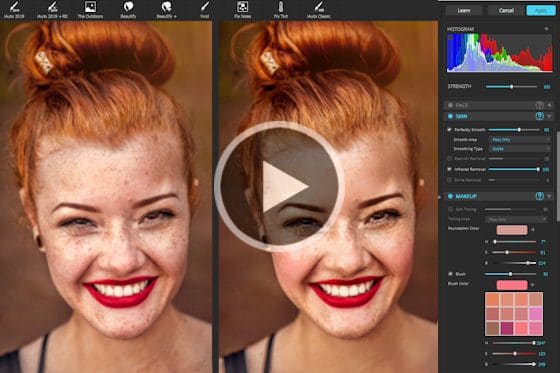
How to use Perfectly Clear
Learn how to use Perfectly Clear’s automatic adjustments and advanced editing tools to create professionally finished photos quickly and easily.
Adding special effects to your photos with ParticleShop
See how you can add amazing, one-of-a-kind special effects to your photos with the ParticleShop brush plugin for PaintShop Pro.
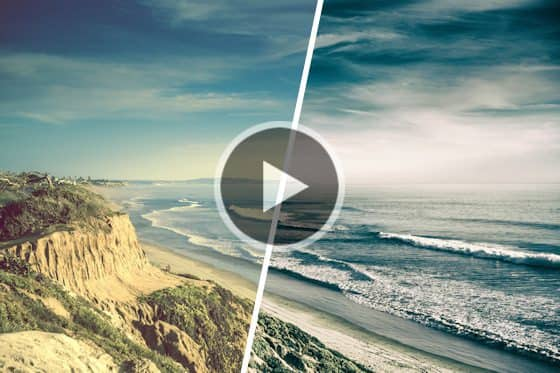
Installing plugins for PaintShop Pro
Learn how to install and use PaintShop Pro plugins, which are add-on programs designed to enhance or add extra functionality.
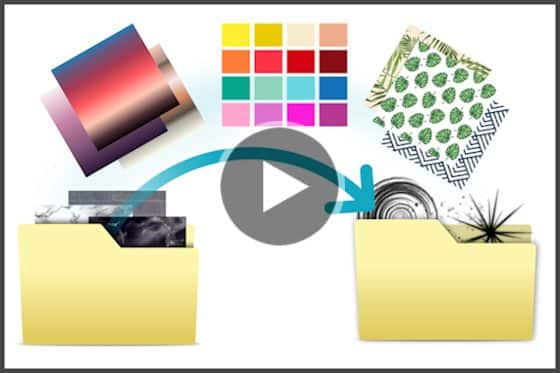
How to migrate PaintShop Pro plugins
Upgrading to PaintShop Pro 2019? Learn how you can easily bring in your patterns, scripts and other content from previous versions with just a few clicks.
Using the AI HDR plugin
See how you can create spectacular HDR images in 4 easy steps using the AI HDR Studio plugin for PaintShop Pro and CorelDRAW Graphics Suite.
Turn your photos into paintings
Learn how to use PaintShop Pro’s AI styles and painting presets to instantly transform your photo into a work of art that replicates the style of iconic artists.
How to enlarge images with PhotoZoom
Learn how to use the PhotoZoom plugin to preserve fine details and enhance image quality when enlarging or downsizing your photos.
PaintShop Pro for Business
How to watermark photos
Want to protect your photos from unauthorized use? This tutorial will show you how to easily apply a watermark to your photos using PaintShop Pro.
Screenshot and annotation in PaintShop Pro
Learn how to use the Smart Capture mode in PaintShop Pro to easily capture, edit and annotate screenshots in one place.
Export your Edit History in PaintShop Pro
With the Export Edit History feature you can document all your edits – great for creating tutorials or sharing how to achieve a certain effect in PaintShop Pro.
Business tools in PaintShop Pro
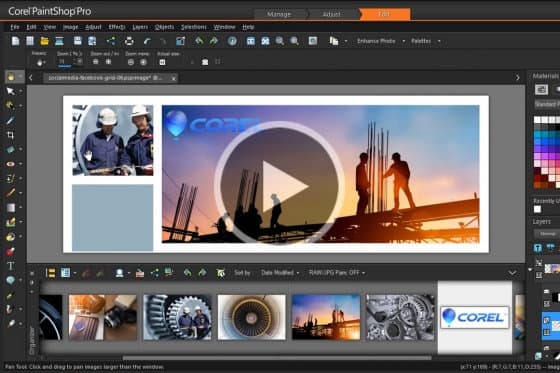
See how these PaintShop Pro tools can save you time and effort when creating graphics, brochures, social media images and more.
PaintShop Pro Webinars

Webinar: Introducing PaintShop Pro 2022
From one-click fixes to advanced photo editing, PaintShop Pro makes it all happen faster with AI-powered features and creative design tools.
Webinar: PaintShop Pro top tips
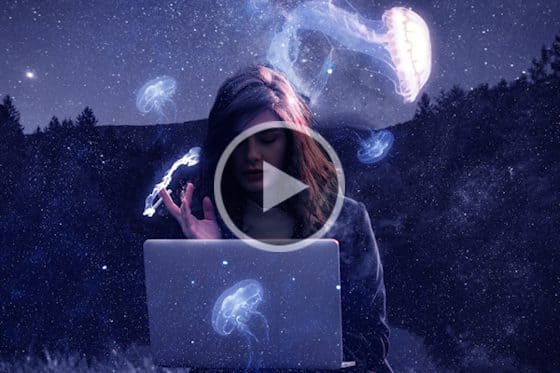
In this webinar recording, PaintShop Professional Kenjiro demonstrates his favorite tools and his process for creating a surreal composition.
Webinar: Make a holiday calendar
In this webinar recording, PaintShop Professional Carole Asselin shows you how to make custom calendars using your own photos and creative flair.
Webinar: Make a spook-tacular photo
Looking for a spooky photo editing project? PaintShop Professional Brad Barton shows you how to create dramatic and mysterious scenes with ordinary photos.
Webinar: Fixing common photo imperfections
Learn how to fix common photo imperfections, such as bad lighting, out of focus or overexposed, in this webinar by PaintShop Professional George Kurzik.
Webinar: Cityscape photography
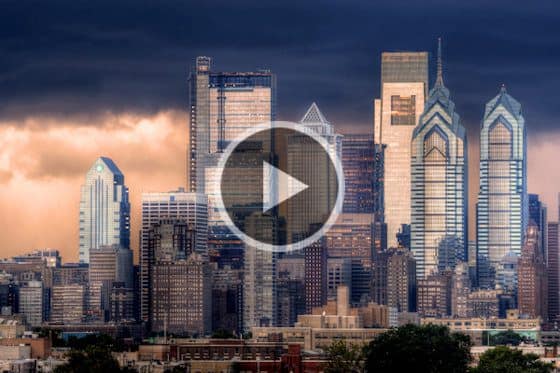
Watch this webinar on demand to learn how to photograph cities and moving elements like people and traffic, plus editing tips to create stunning cityscapes.
Webinar: The ins and outs of masking
Learning the ins and outs of masking with PaintShop Professional Brad Barton as he demonstrates his tips and workflows for working with masks.
Webinar: Adding glamour with brushes
Learn how to customize your PaintShop Pro brushes to add stunning backgrounds, textures, effects and masks in your photo or design projects.
Webinar: Turning snapshots into artistic portraits
In this webinar on demand, PaintShop Professional Jann Paxton guides you through the process of enhancing a snapshot and transforming it into an artistic portrait.

Webinar: Blue Hour photography
In this 1-hour recorded webinar, PaintShop Professional George Kurzik shares his tips for Blue Hour photography and advanced photo editing.
Webinar: Working with layers – Part 2
PaintShop Professional Brad Barton shows you how to use advanced layer features, masking techniques and selection tools to create composite images.

Webinar: Creating a digital scrapbook
Are your photos just taking up space on your computer? Get some creative ideas for showcasing your photos from PaintShop Professional Carole Asselin.
Webinar: PaintShop Pro tips and tricks
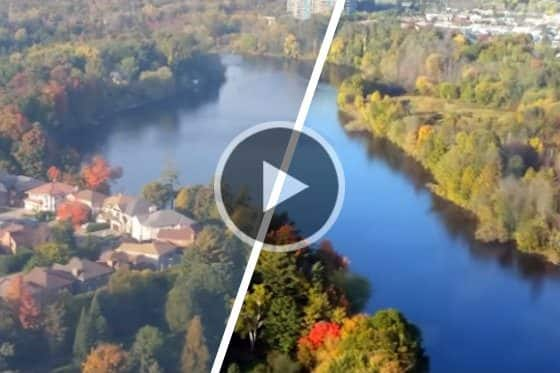
In this webinar we review the key features and share our top tips and tricks that will improve your workflow and overall experience in PaintShop Pro.
Webinar: Working with plugins in PaintShop Pro
In this webinar we’ll review several of the most popular plugins for PaintShop Pro and demonstrate how they can be used to enhance your photos.
Webinar: An overview of the Text tool
In this PaintShop Pro webinar you’ll get an overview of the Text tool, learn how to add and edit text, how to make your text follow a path, and more!
Webinar: Adding special effects to photos
In this webinar recording, you will learn how to add some creative photo effects in PaintShop Pro, including selective color, depth of field, text overlays, vignettes and more.
Webinar: Portrait retouching in PaintShop Pro
PaintShop Professional Brad Barton gives an in-depth demonstration of his portrait retouching workflow, from removing blemishes to replacing backgrounds.
Webinar: Restoring old, damaged photos with PaintShop Pro
Want to learn the tips and tricks of photo restoration? In this webinar, PaintShop Professional Carole Asselin shows you how to restore old damaged photos.
Learning PaintShop Pro: An overview
Watch this 90-minute webinar and get a comprehensive overview of the key photo editing tools, from simple photo fixes to creative effects and enhancements.
Webinar: Working with Picture Tubes in PaintShop Pro
The Picture Tube tool, unique to PaintShop Pro, lets you paint with a collection of objects. See the many ways Picture Tubes can be used, and how to create your own.
Webinar: Working with masks in PaintShop Pro
Masks can be used to show or hide parts of an image, fade between layers or create special effects. Learn how in this 1-hour webinar.
Webinar: Using ParticleShop with PaintShop Pro
In this webinar, learn how to use the ParticleShop brush plugin to artistically enhance your photos and artwork in PaintShop Pro.
Webinar: Creating compelling compositions in PaintShop Pro
PaintShop Professional Jann Paxton demonstrates the tools and techniques he uses to combine two or more images into a creative composition.
Webinar: An introduction to layers
PaintShop Professional Brad Barton teaches you everything you need to know about layers, from creating and viewing to merging and blending.
Webinar: An introduction to scripts
In this 1 hour webinar, PaintShop Professional Carole Asselin will teach you the basics of scripting to apply special effects and speed up your workflow.